


Change a flyer's day and time, keep the font
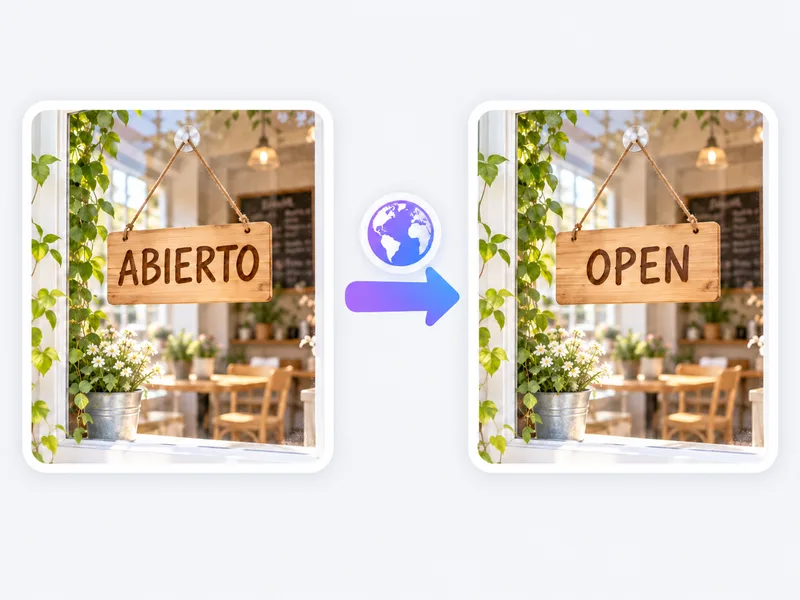
Change or replace text in any photo or screenshot. Select the words, type new ones, and the AI matches the original font, size and color.
Change a flyer's day and time, keep the font
Edit text in an image online in three steps. No layers, no font hunting and no design skills needed.
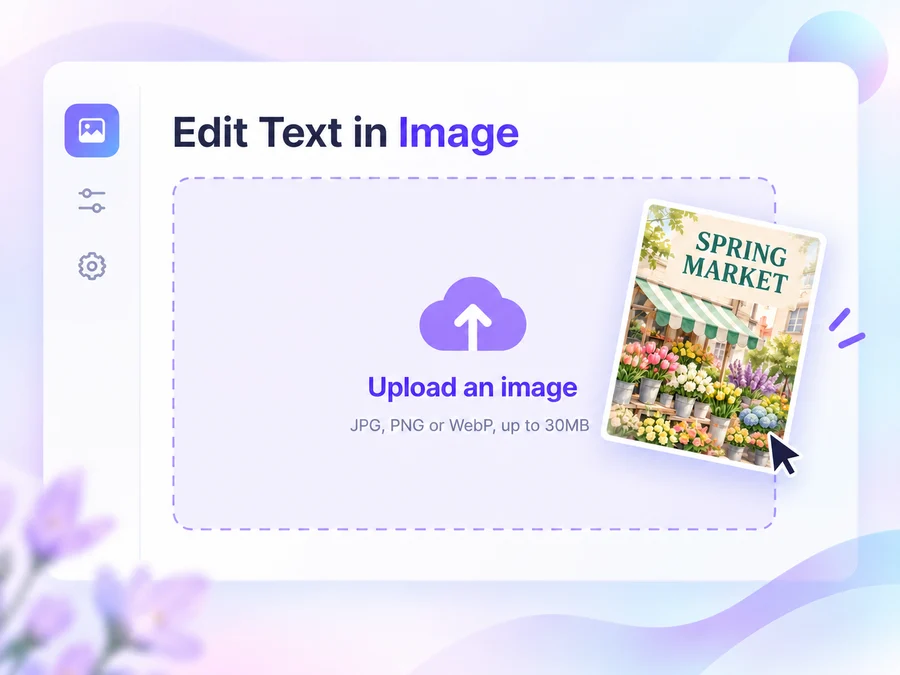
Drop in a JPG, PNG or WebP image up to 30MB. Photos, screenshots, posters and product shots all work.
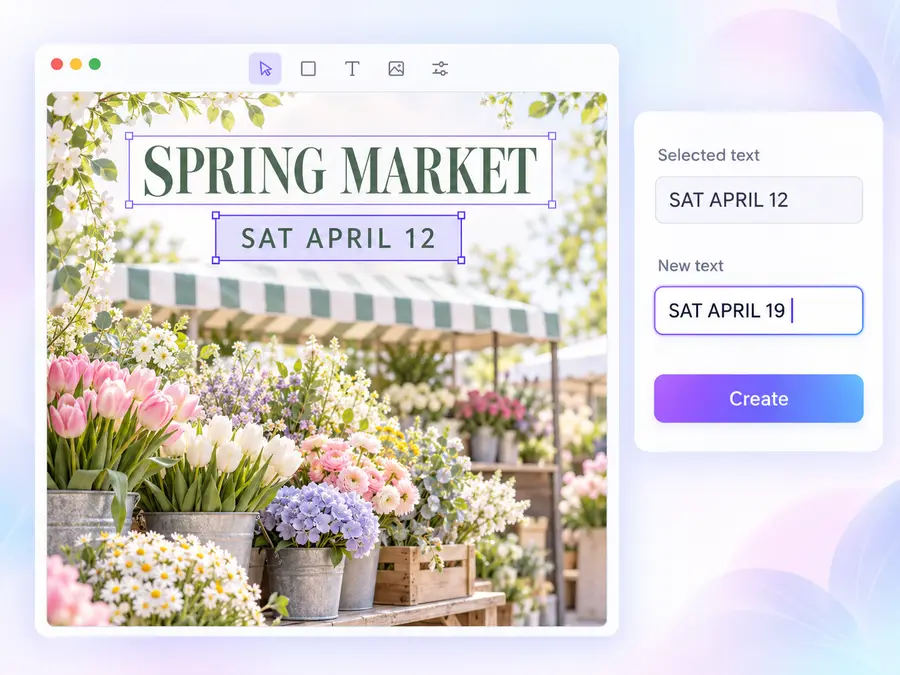
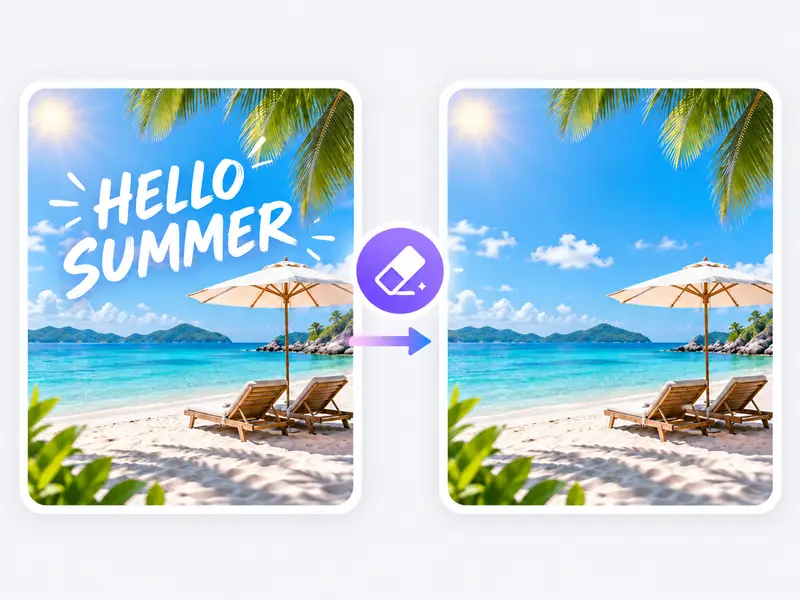
Text is detected automatically. Click the words you want to change and type the replacement, or leave it blank to remove them.

The AI rewrites the text in the original font, size and color. Check the result and download it in 1K, 2K or 4K.
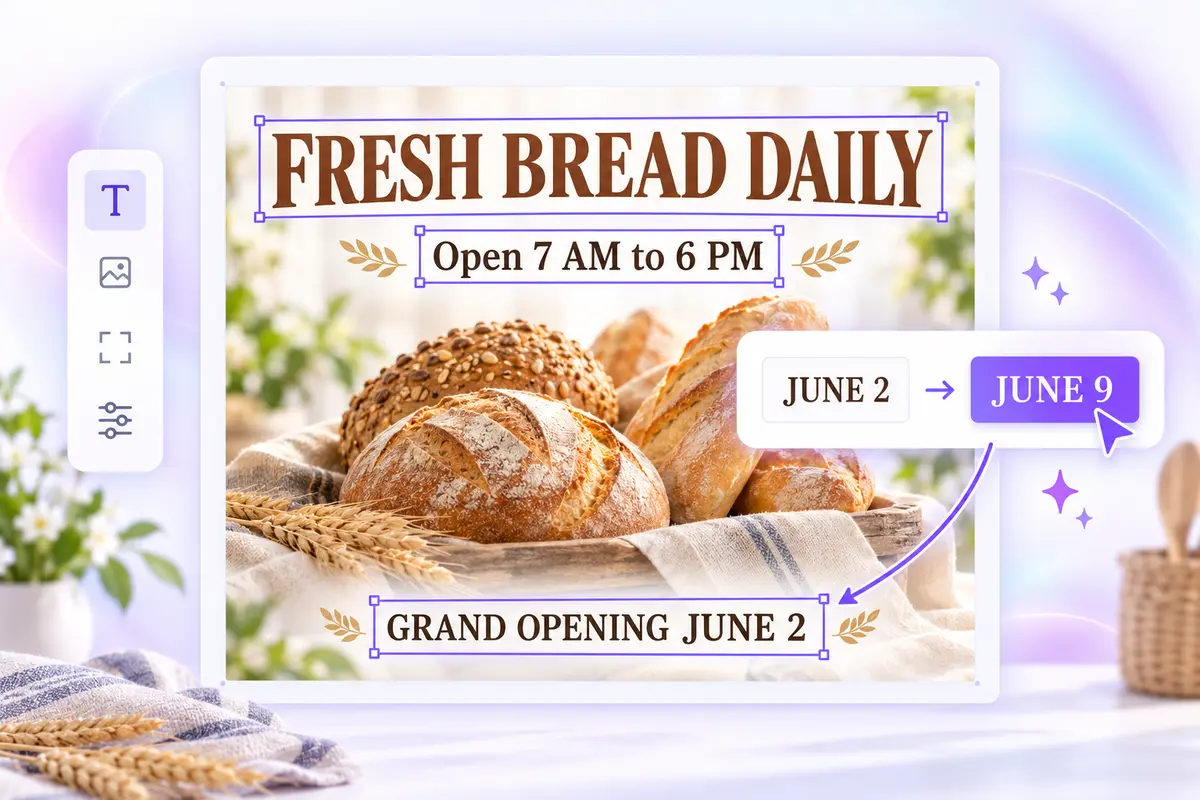
A picture text editor is a tool that changes or replaces the text already inside a photo, screenshot or design while keeping the original font, size, color and background. Edit Pic Text is an AI picture text editor, also known as an image text editor or photo text editor. Unlike apps that put a new text layer on top, it rewrites the existing words, so the result looks like it was designed that way.
Every block of text in your image is found and outlined for you.
Select multiple text areas and replace them all in one run.
The area behind the old words is rebuilt, so no ghost letters remain.
Upload JPG, PNG or WebP up to 30MB and export in 1K, 2K or 4K.
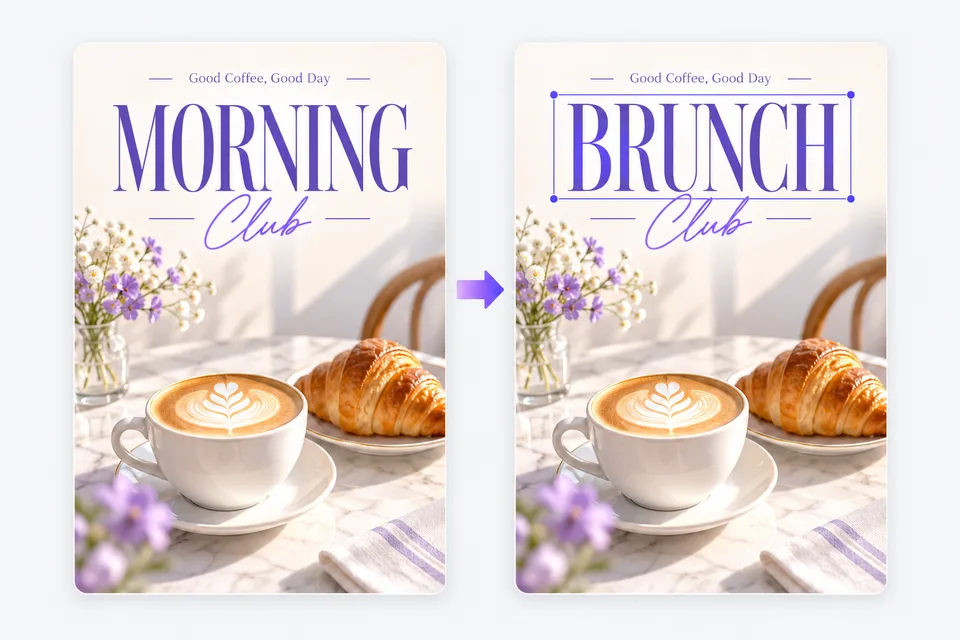
Changing text in an image usually breaks the design, because the new words look pasted on. Here the AI reads the original letters and draws the replacement in the same typeface, weight, size, color and angle. Replace a headline, a price or a single word, and it still matches the rest of the picture.

Need to edit text in a screenshot? Swap a button label, fix a heading in a UI mockup or update the copy in a webpage capture before you share it. The interface, icons and spacing stay exactly as they were. Editing screenshots of payments, bank transfers or official records is not allowed under our terms.
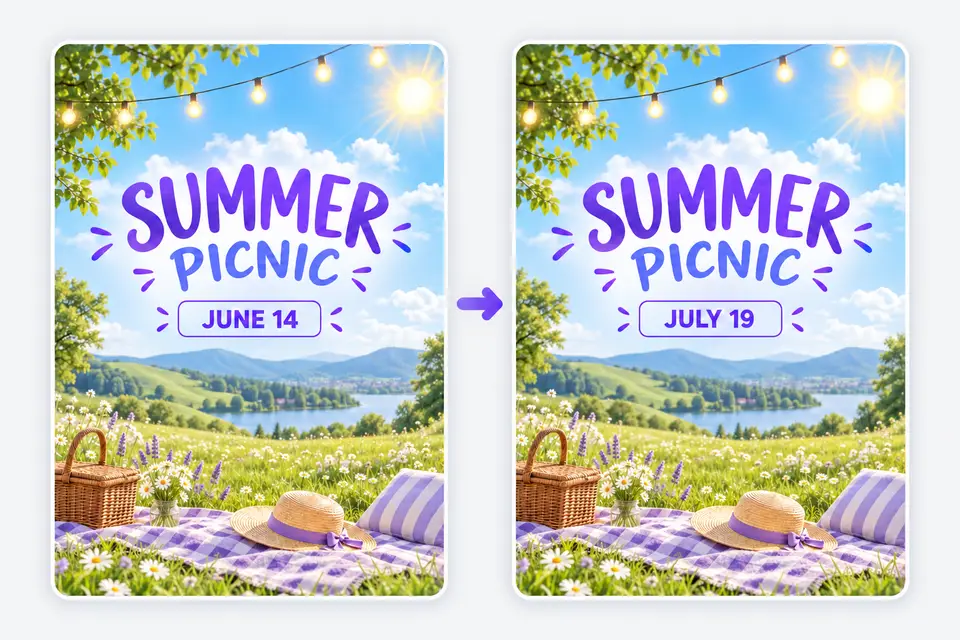
Spotted a typo after the flyer was exported? Correct a misspelled word, a wrong date or a name on your own poster, banner or invitation without rebuilding the file. Select the mistake, type the right text, and the background behind the old letters is filled in to match, as if the mistake never happened.

Marketing images change all the time: new prices, new dates, new offers. With this photo text editor you can update the words on a sale banner, social post or product label straight from the exported image, even when you no longer have the original design file. Change the price, keep the layout and publish again.
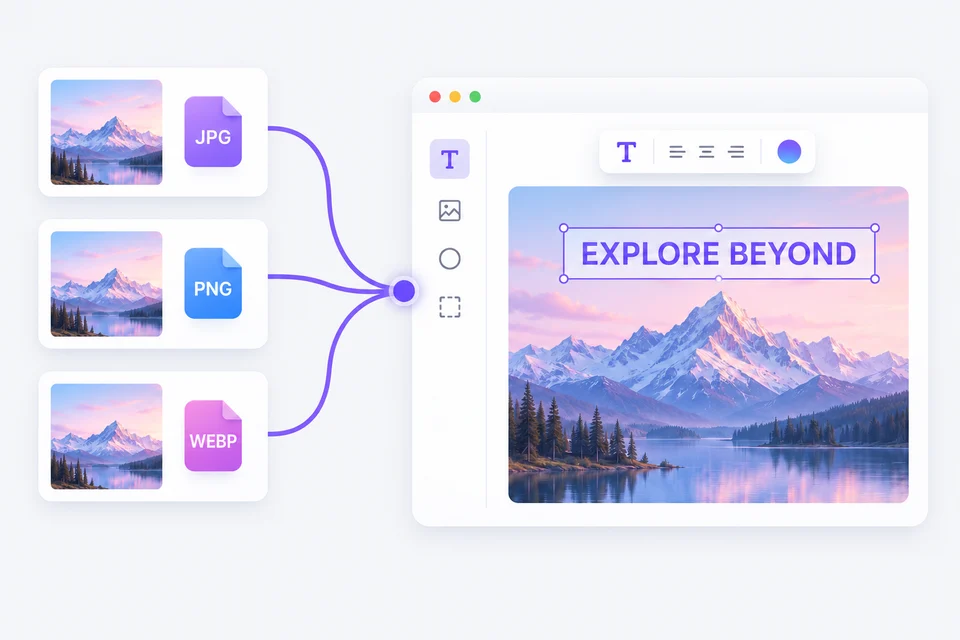
Text inside a JPG or PNG is made of pixels, so you can't click into it and type the way you would in Word. This JPG text editor detects the letters, lets you type new ones and rebuilds them as part of the image. It works the same way as a PNG text editor, accepts WebP files up to 30MB and needs no software to install.
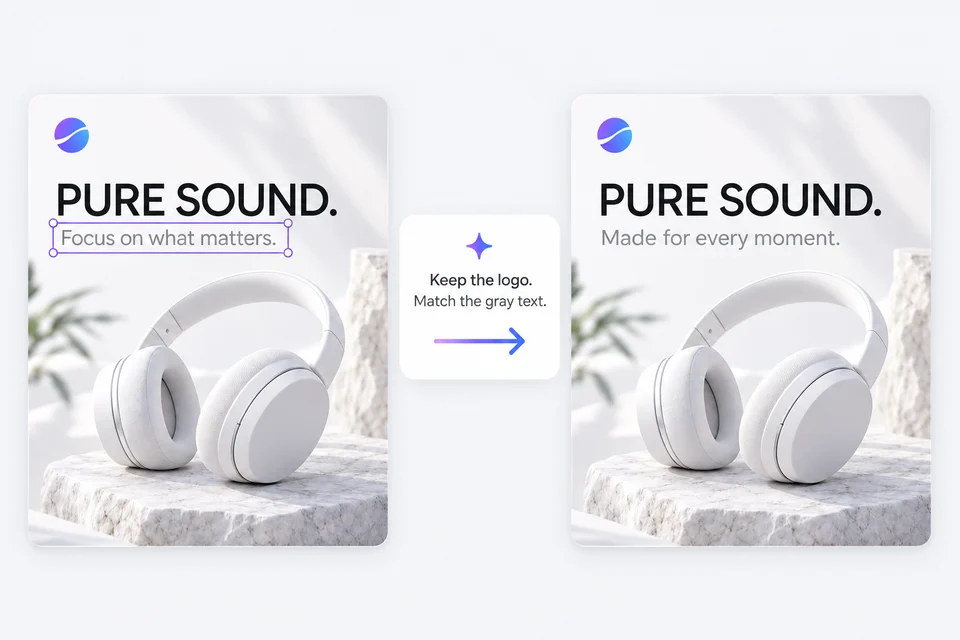
Some edits need more than new words. Add a short instruction such as "keep the logo" or "match the gray text," and the AI image text editor follows it while it rewrites the selected area. You can modify the wording, spacing or style in plain English, and the parts you didn't select stay as they were.
Start with free credits. Upgrade when you need more edits.
A starter subscription for steady individual use.
A balanced plan for frequent creators.
Scale monthly credits as your workflow grows.



Prices shown in USD · Questions? support@editpictext.com
Quick answers about editing text in images with Edit Pic Text.
Have more questions? Contact our support team
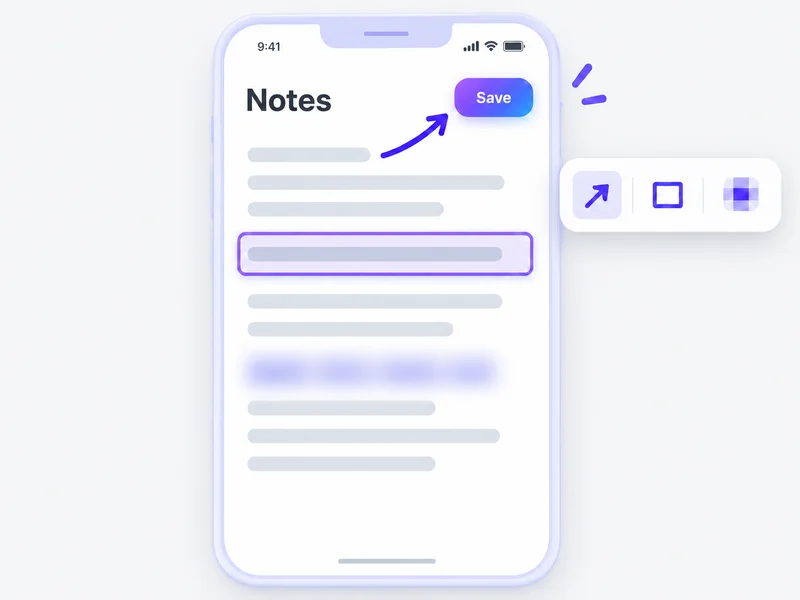
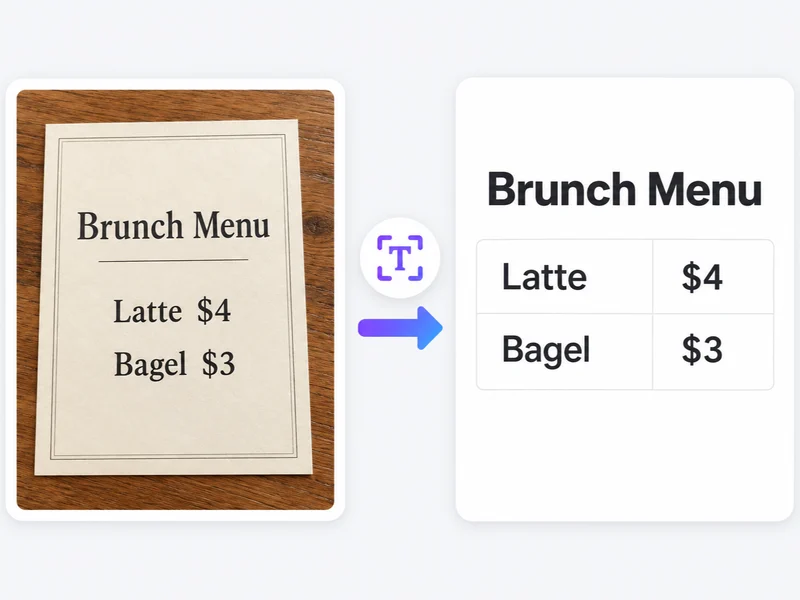
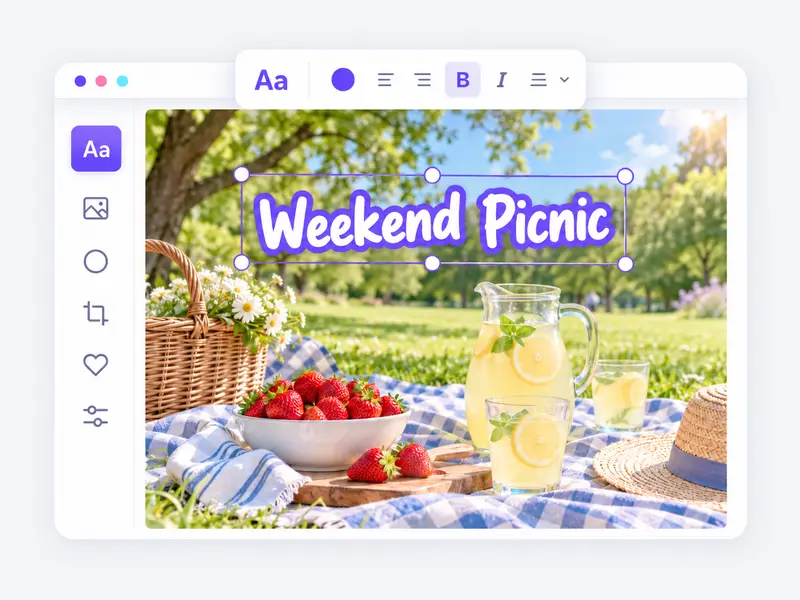
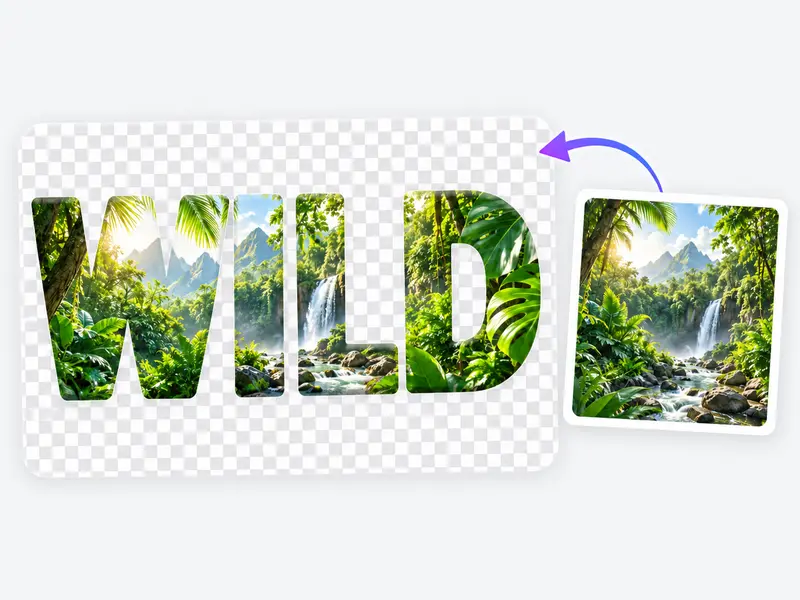
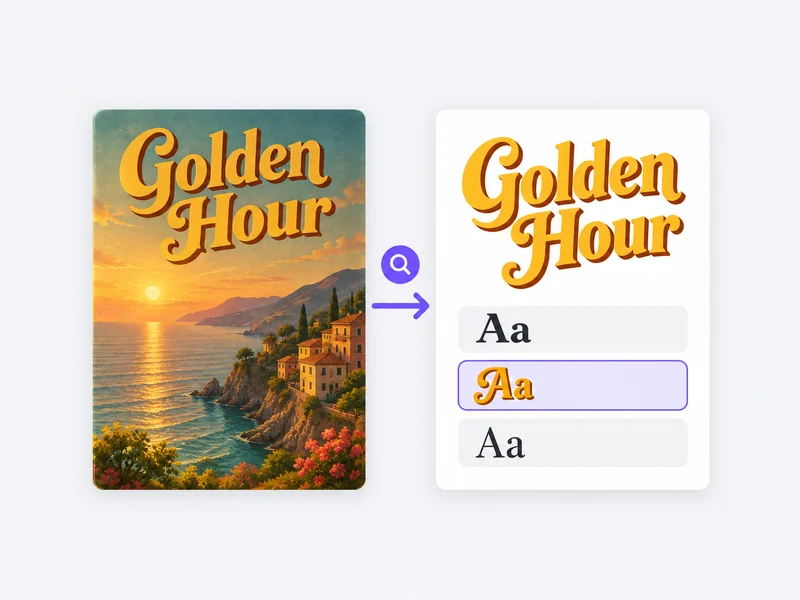
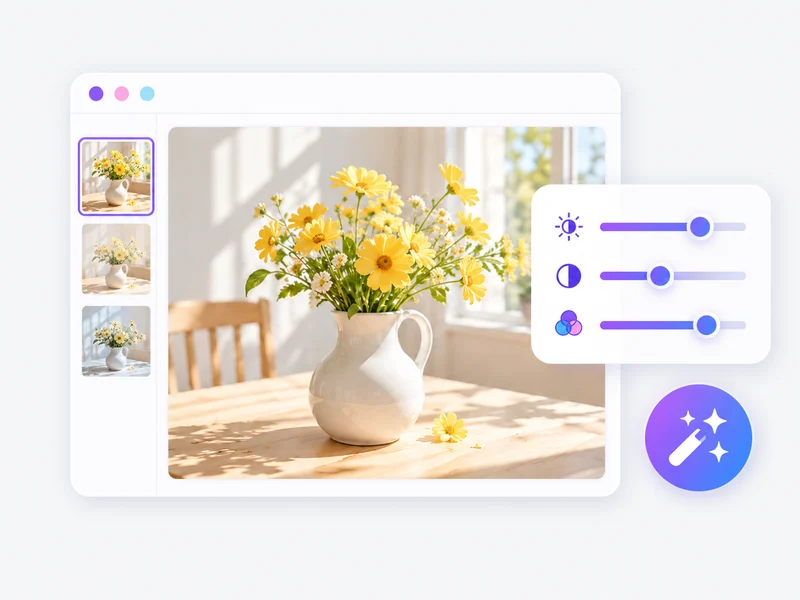
Upload a photo or screenshot, select the words and replace them in the original font.