
Translate from Image Online and Keep the Original Font

Upload a photo, screenshot, manga page or menu and get it back translated in the same font and layout. If a line needs changing, edit it and redraw.

Paste an image (⌘/Ctrl+V), drop or upload

JPG, PNG or WebP · up to 30MB. Photos, screenshots, manga pages, menus and labels all work.

Or open a sample

Example

first image
second image

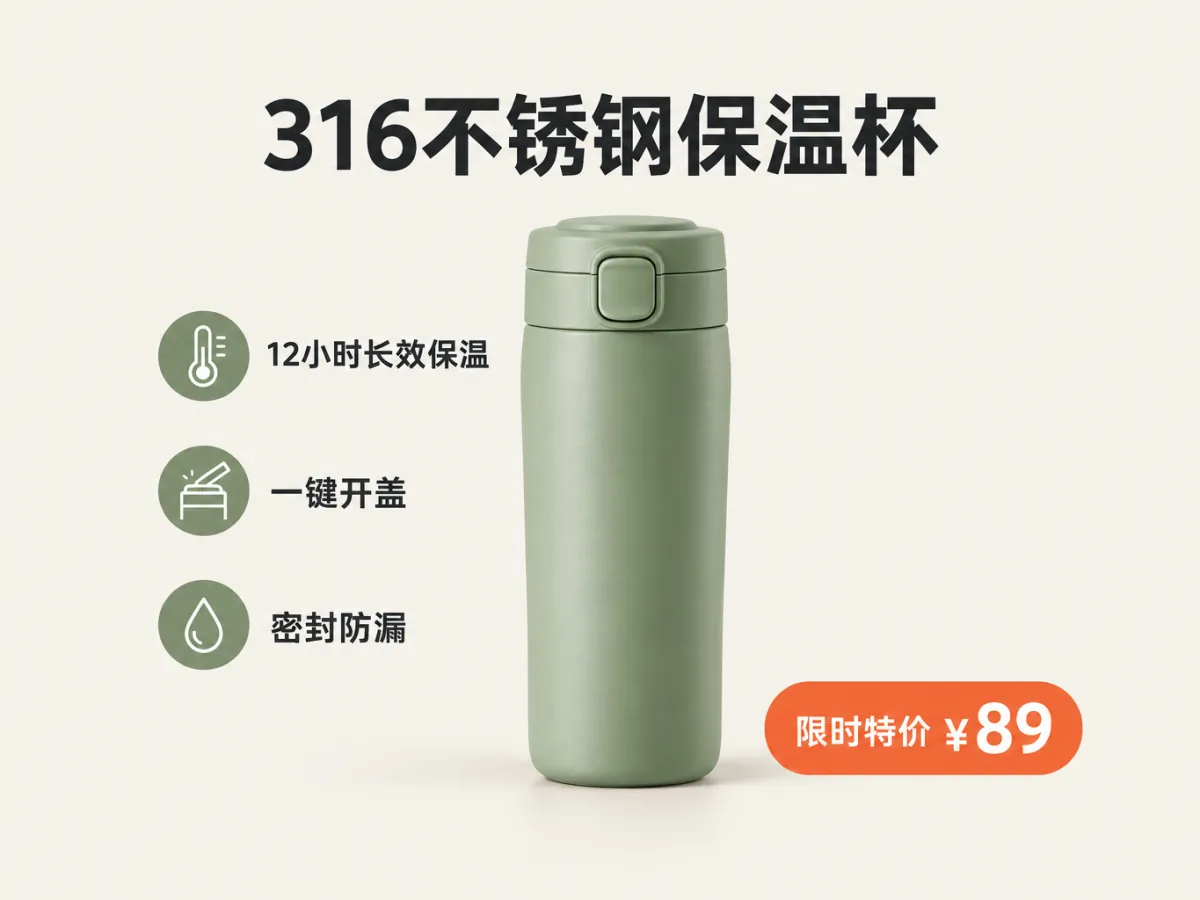
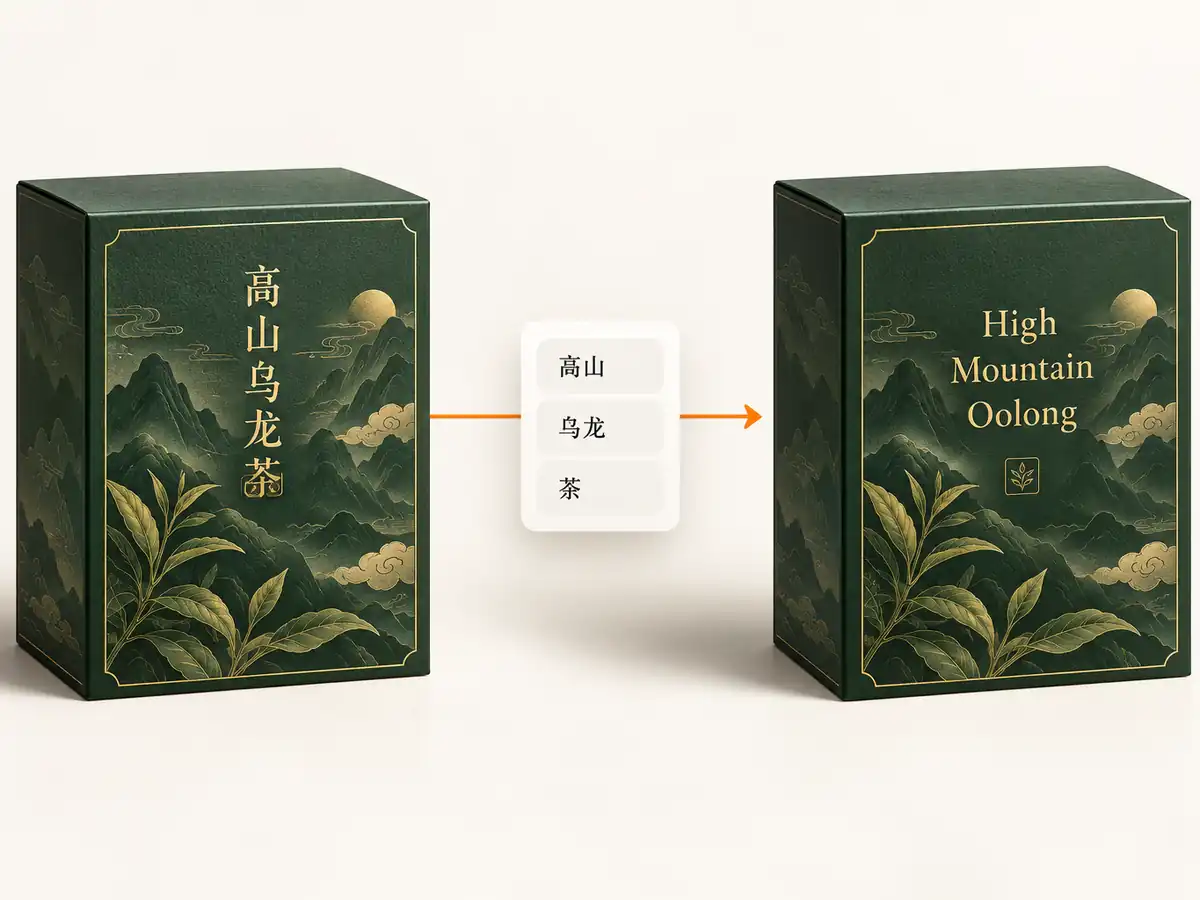
A Chinese product image translated into English for an overseas store; the design and icons stay the same.

3 Simple Steps

How to Translate Text from an Image

Translate a picture in three steps, right in your browser.

Step 11
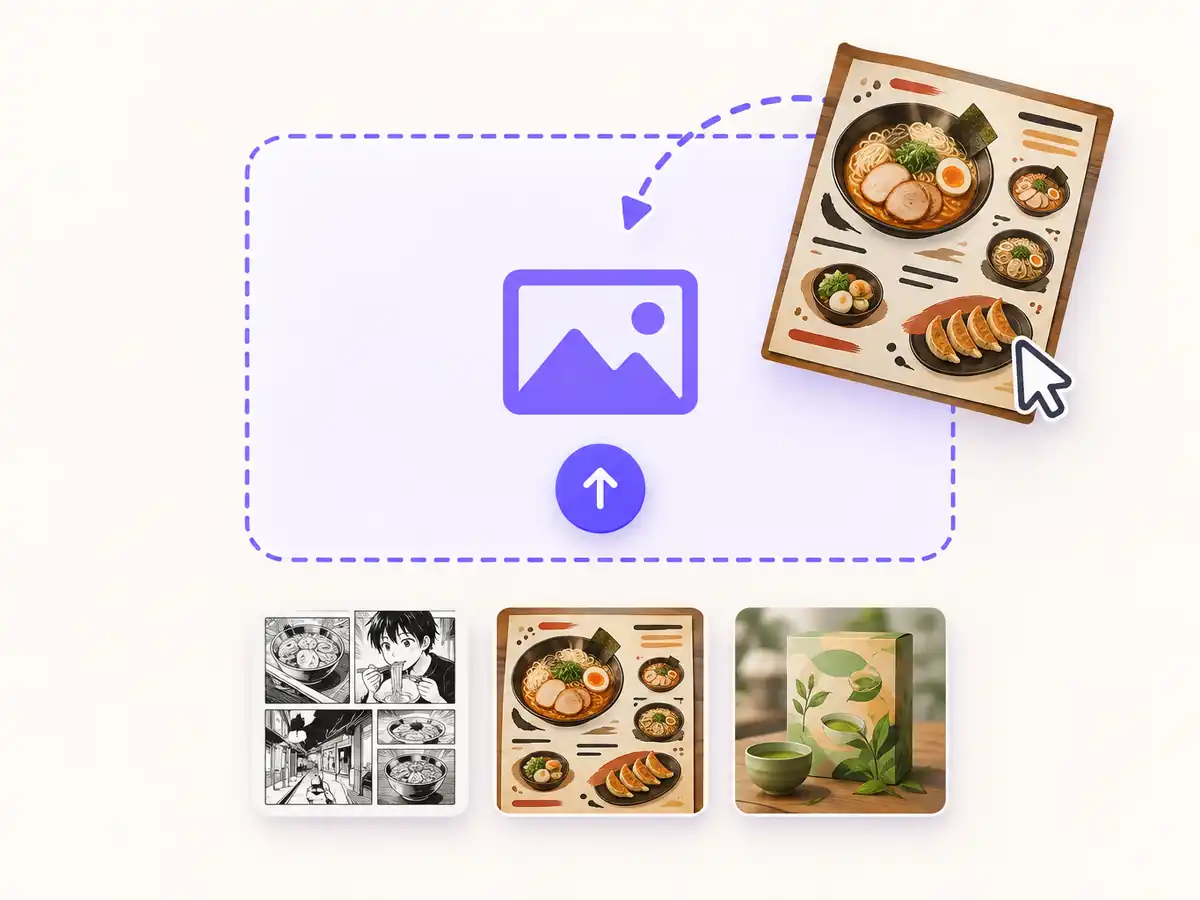
Upload area with a ramen menu photo being dragged in and three sample image thumbnails below

Upload or Paste an Image

Drop a JPG, PNG or WebP file up to 30MB, pick one from your device or press ⌘/Ctrl + V to paste a screenshot. Uploading is free and needs no account.

Step 22
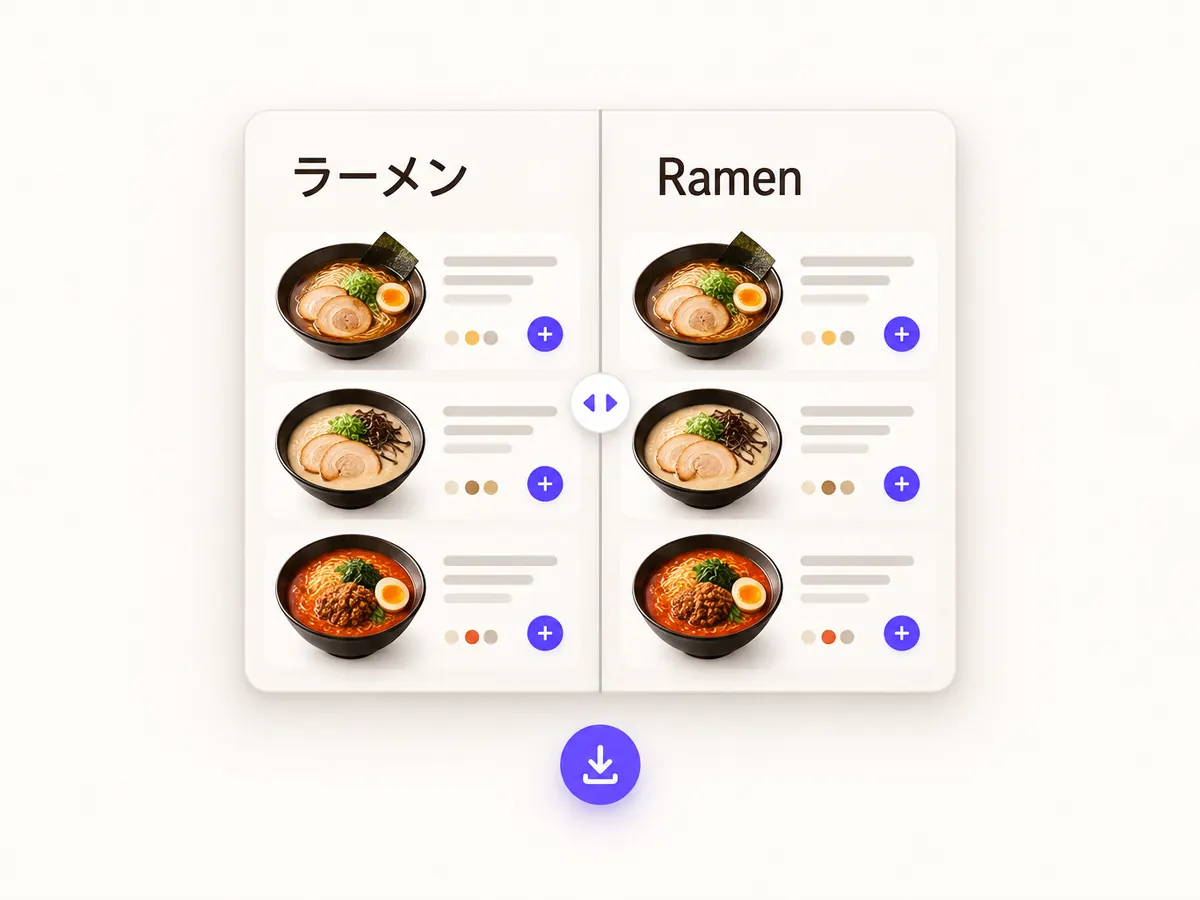
Ramen menu before and after translation with a comparison slider and a download button

Translate the Image in One Click

Choose the target language and click Translate image. Sign in to continue: the AI reads every line, translates it and redraws the picture in the original font, from 5 credits.

Step 33
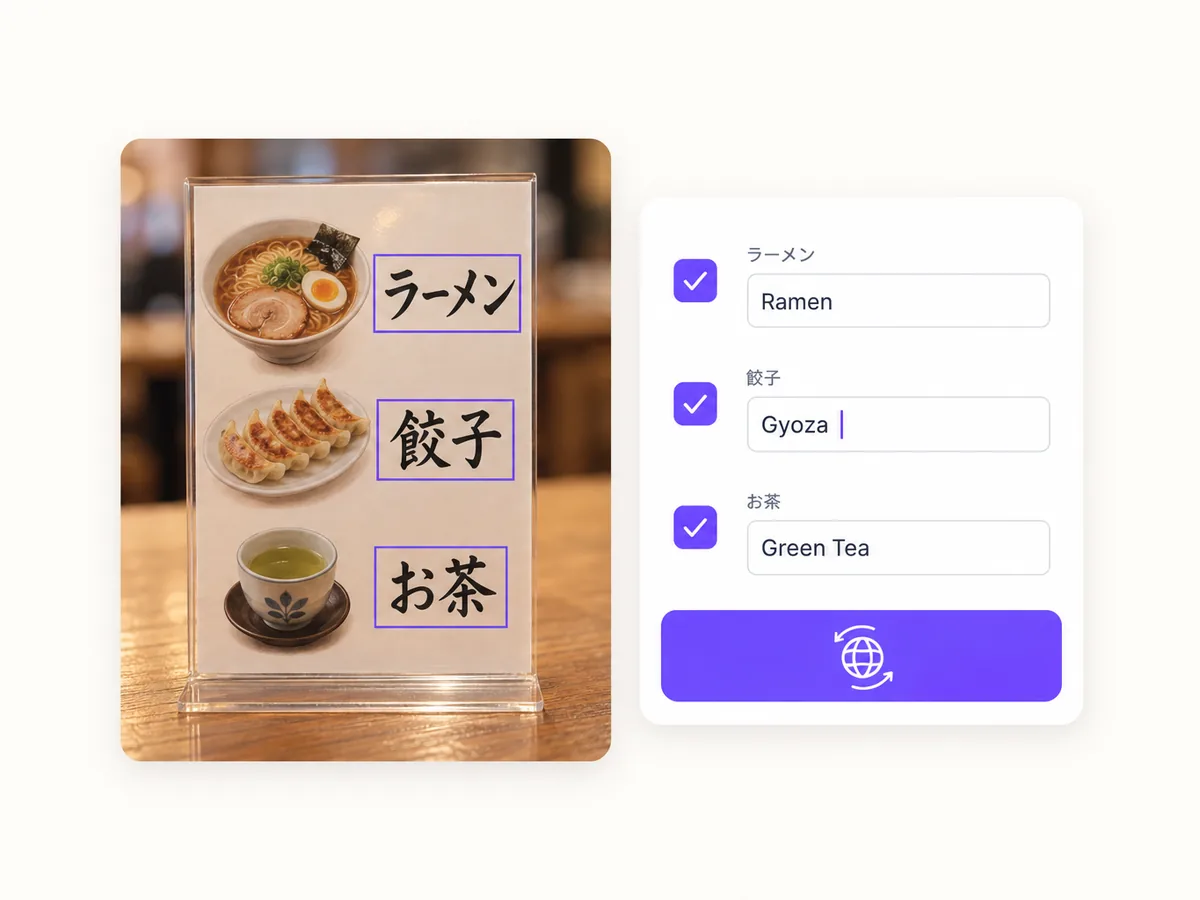
Ramen menu with each line outlined, next to a list of Japanese lines and English translations with one being edited

Download or Edit the Translated Image

Compare the result with the original and download it. To change something, click Edit translations: every line on the translated image is listed, so fix any of them or mark text that was missed, then click Make image again.

Green tea gift box with Chinese gold lettering next to the same box redesigned in English

What Is an AI Image Translator?

An AI image translator reads the text inside a picture, translates it into another language and puts the translation back where the original words were. A photo translator for menus, signs and screenshots works the same way. Edit Pic Text does it in one step: an AI image model reads every line with the whole picture in view, translates it and redraws it in a matching font, size and color. To change a line afterwards, the text on the result is listed so you can fix it and redraw.

Edit Any Line

After translating, see every line of the result as text, fix the wording and redraw the picture.

Redrawn, Not Pasted On

Translations take the place of the original words in a matching font, color and angle, not a text box on top.

Nothing Gets Skipped

When you edit the result, every line is outlined on the image, and you can drag a box over anything that was missed.

110 Languages

Translate into 110 languages while the source language is detected for you, even in pictures that mix two.

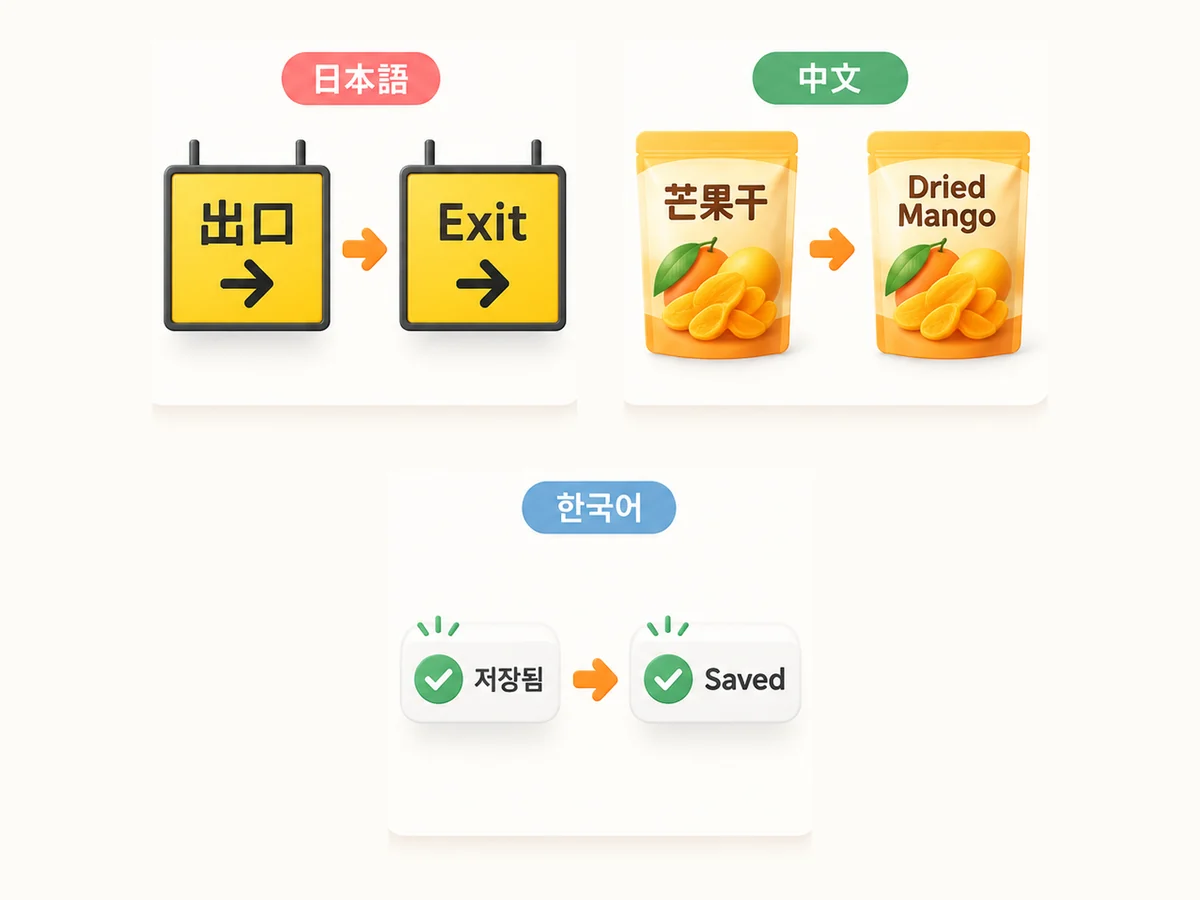
A Japanese exit sign, a Chinese dried mango bag and a Korean saved message, each translated into English

Translate Image to English from Japanese, Chinese, Korean and More

English is the default target language, so you can translate image to English as soon as a picture is uploaded. Japanese, Chinese, Korean, Arabic and Spanish are the languages people translate from most, and each is detected automatically, including vertical Japanese text. Translate a photo to English from a trip, use it as a Japanese image translator for game screens, or read a Chinese product sheet from a supplier.

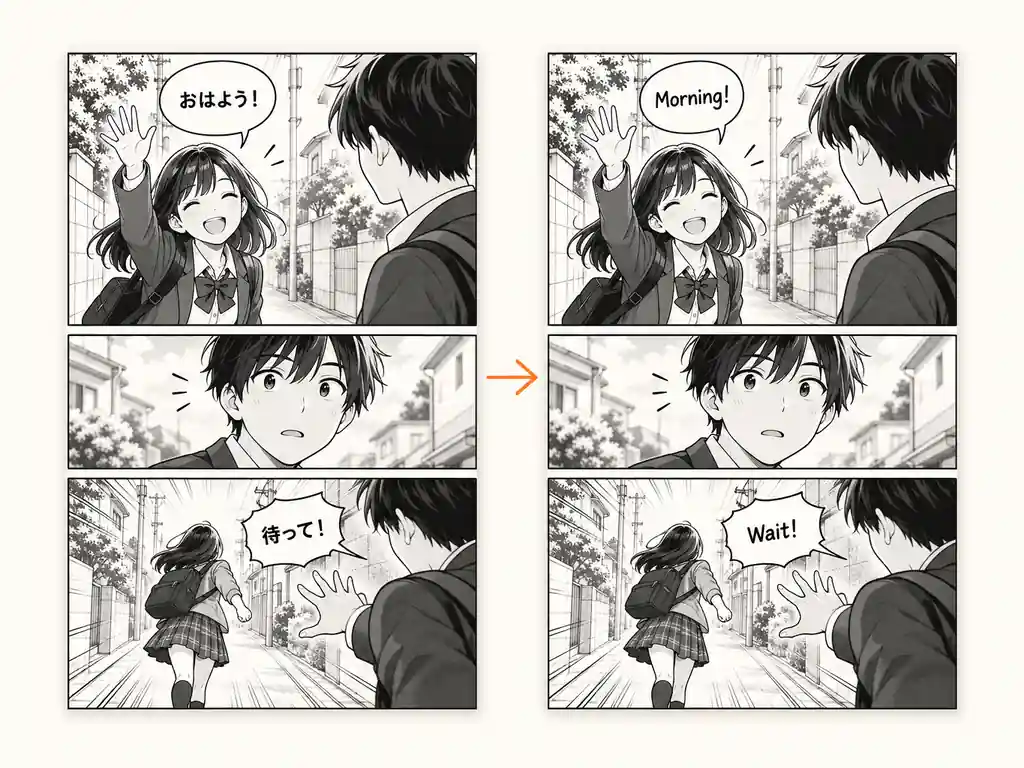
Manga page whose speech bubbles change from Japanese to English with the artwork unchanged

AI Manga Translator for Raw Pages, Comics and Webtoons

Read raw manga, manhwa and webtoon pages in your own language. This AI manga translator writes each line back into its speech bubble, and a short note in the translation settings keeps character names and honorifics the same across the page. If a bubble reads wrong, fix it afterwards and redraw the page. It also works as a comic translator for Western comics and fan art, one page at a time.

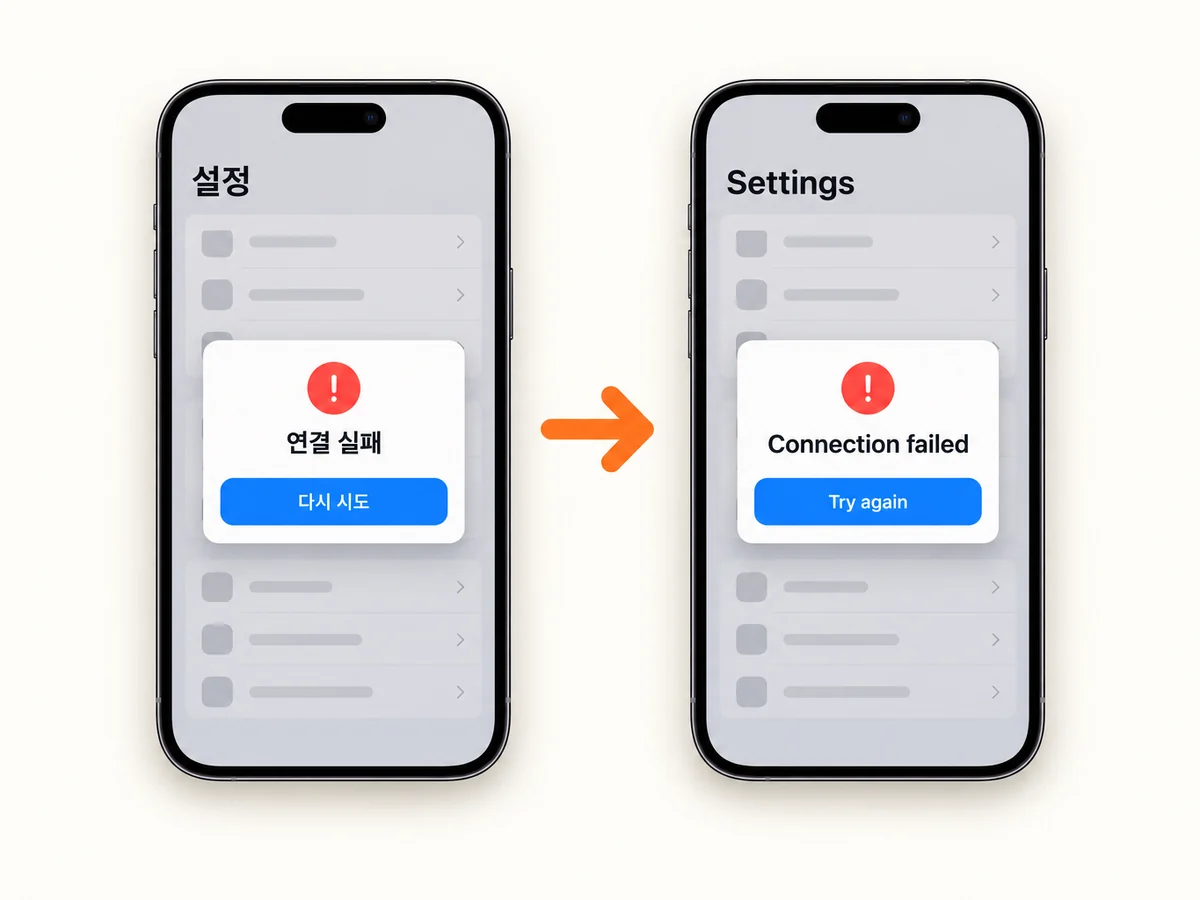
Korean phone settings screen with an error dialog, and the same screen in English

Translate Screenshots of Apps, Games and Error Messages

Some text can't be selected or copied: an app set to another language, a game menu, a pop-up error or a post someone shared. Take a screenshot, press ⌘/Ctrl + V on this page and translate the screenshot without retyping a word. If you only need to understand it, copy the translated text and you are done; if you need the picture, make the translated image.

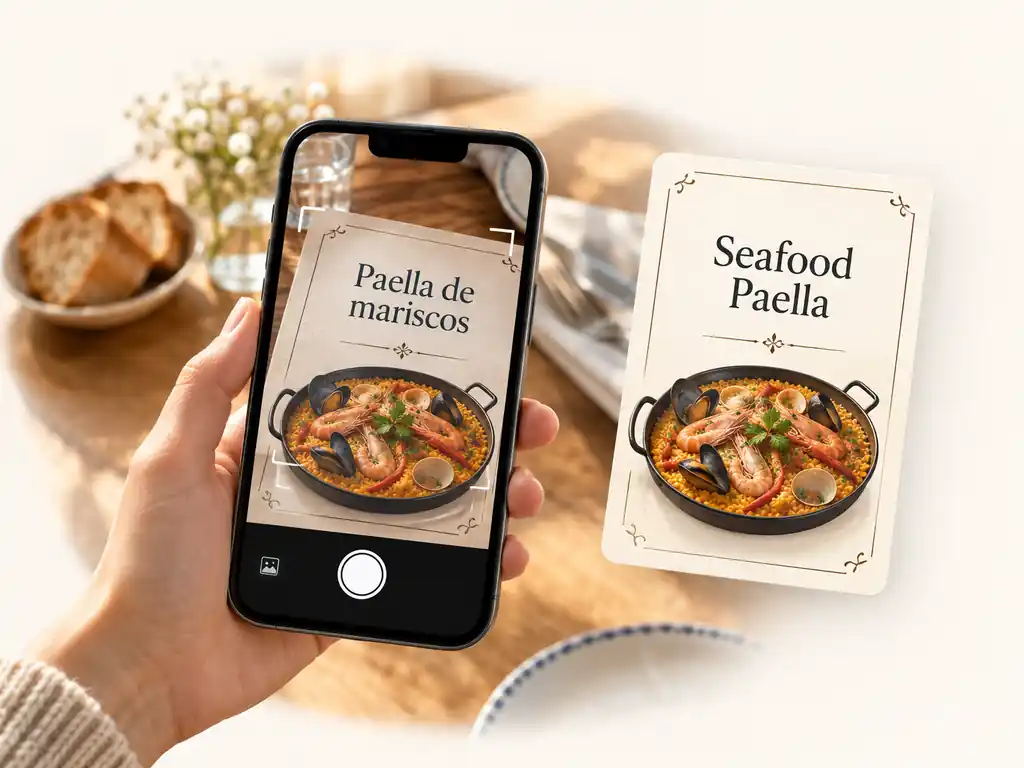
Phone camera framing a Spanish paella menu next to the same menu card in English

Photo Translate for Menus, Signs and Product Labels

Take a photo of a menu, a street sign or a package label and photo translate it in your phone's browser. Travelers get a picture they can read at a glance, from a restaurant menu translation to a train timetable. Sellers get product photos, packaging and ingredient lists in a new language with the original design kept, ready to upload to a store or share with customers.

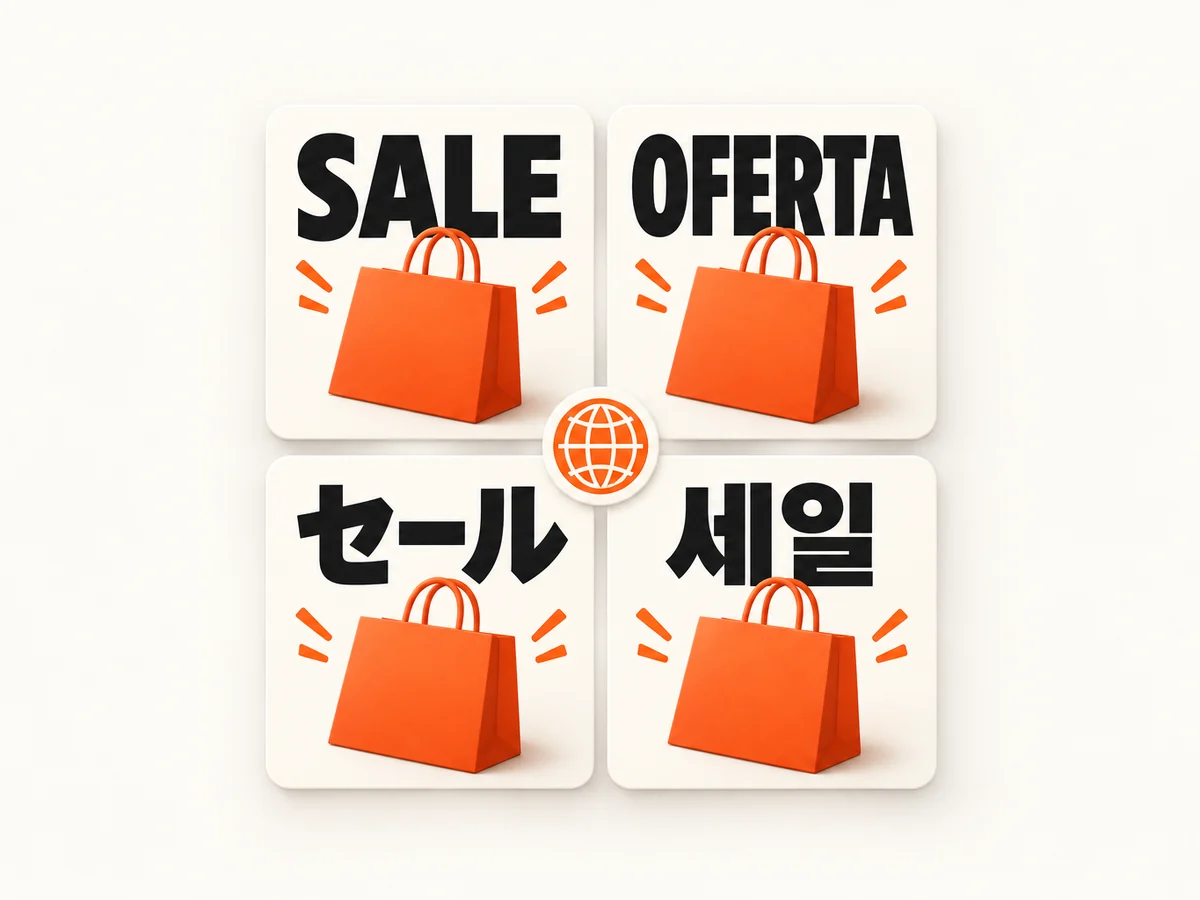
One sale poster shown in English, Spanish, Japanese and Korean

Picture Language Translator for 100+ Languages

Pick any of 110 target languages, from English, Spanish and Hindi to Urdu, Sinhala and Swahili, while the source language is detected for you. As a picture language translator it also works the other way round, turning English images into other languages for customers, students or family. Text written back into the image looks best in widely used languages such as English, Spanish, French, Japanese, Chinese, Korean and Arabic; for the rest, check the result and fix any line that comes out wrong.

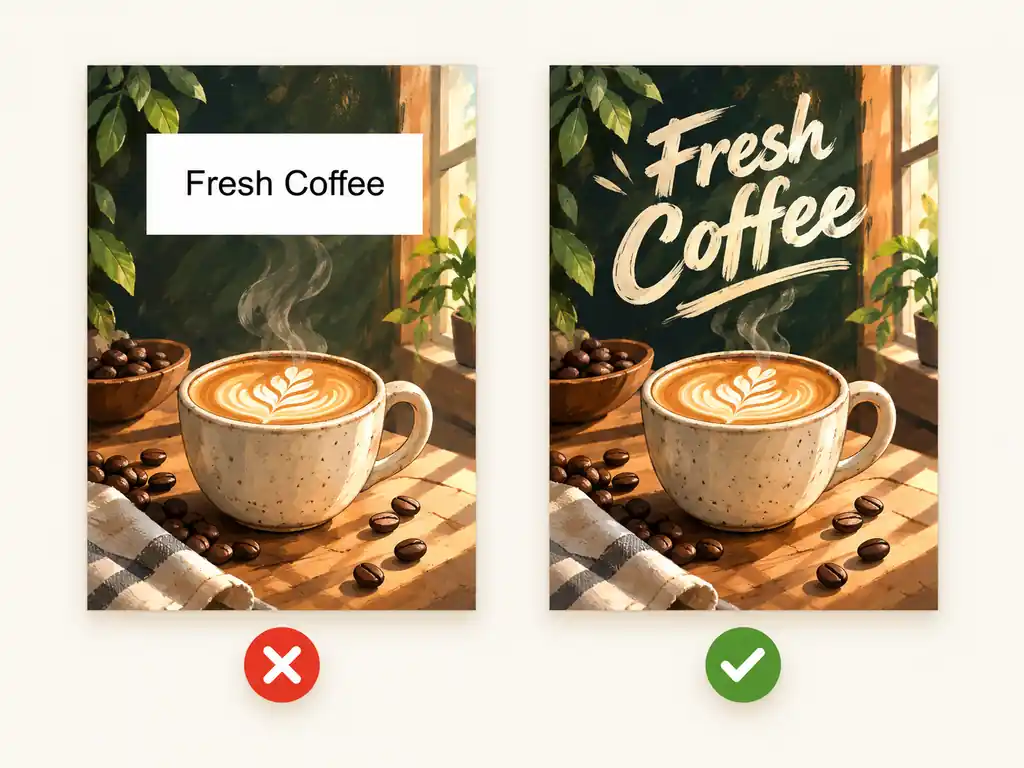
Cafe poster with a pasted text box marked wrong, next to the headline redrawn in the poster's own lettering marked right

Translate Picture Online Without Losing the Font or Layout

Many tools cover the original words with a box of plain text. Here each line is redrawn instead: a matching style, size, color and angle in the same spot, with the background filled in behind it. That is why a picture translate result can go straight onto a poster, a slide or a product page. When a translation runs longer than the original, the text is set slightly smaller so it still fits.

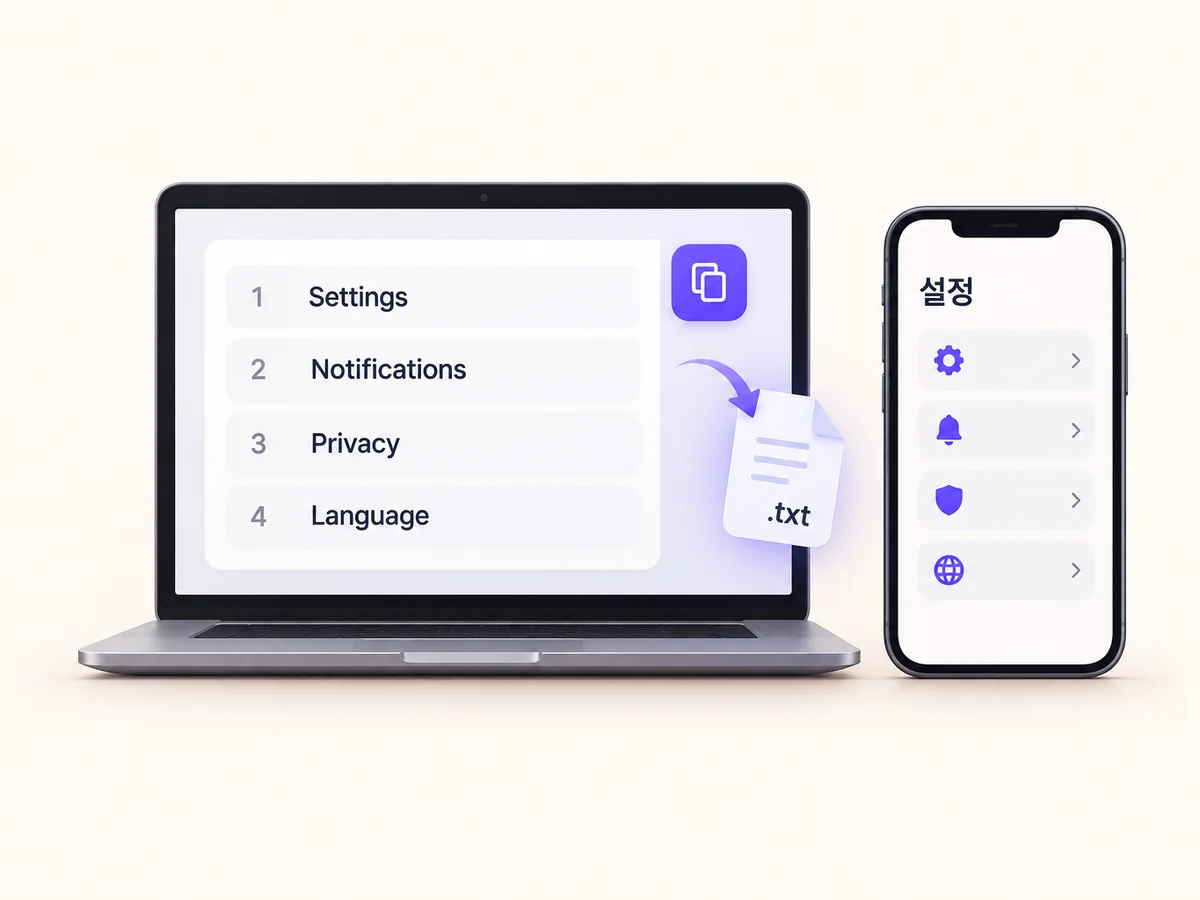
Laptop listing translated lines with a copy button and a .txt file, beside a phone showing the Korean original

Need the Words Too? Copy the Translation as Text

After the picture is translated, click Edit translations and every line of the result is listed as text: copy all of them or download them as a .txt file, handy for long documents, study notes or a message you want to quote. Need the original words without a translation? Our text extractor from image copies them as they are.

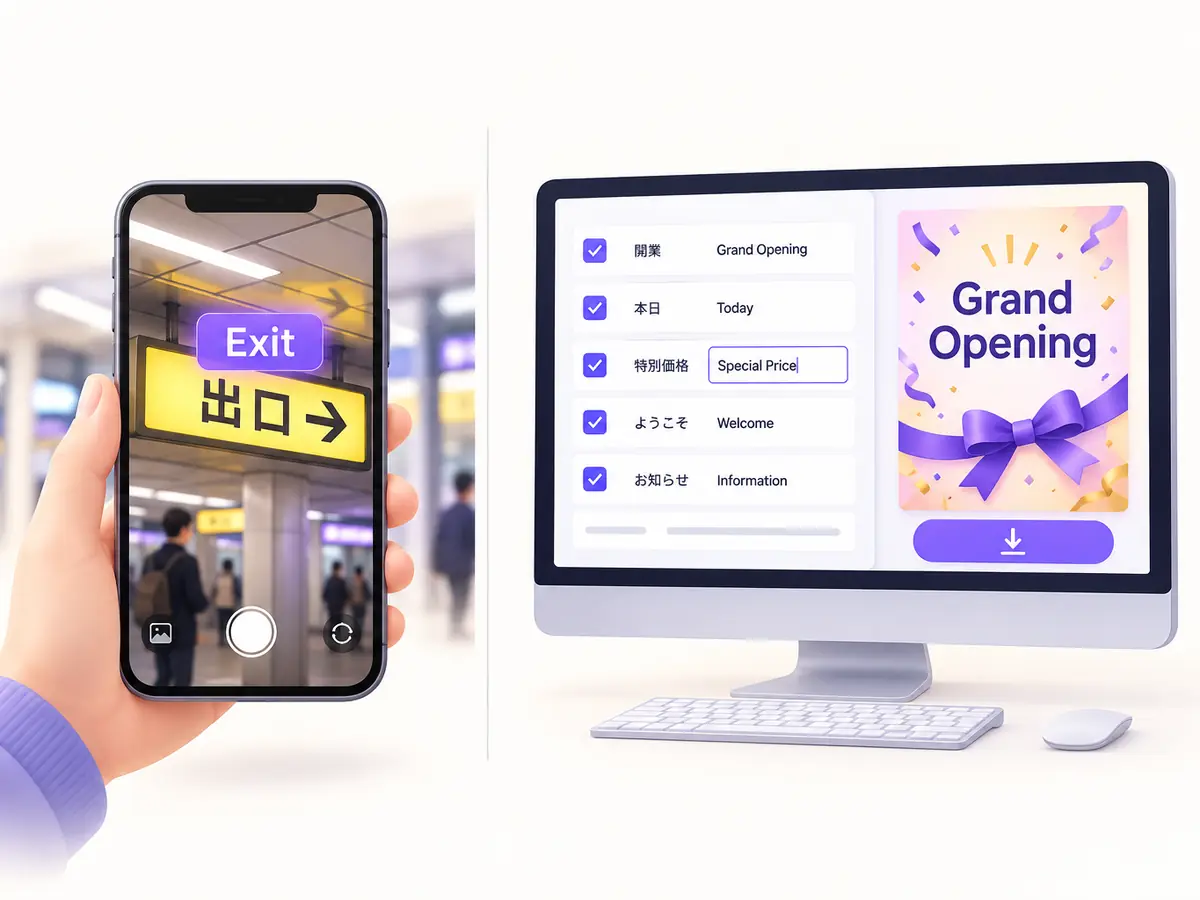
Phone camera overlaying a translated sign, next to a review panel with edited lines and a finished translated poster

How It Compares with Google Translate and Google Lens

Google Translate and Lens are quick, free ways to read a picture, and the Translate website can download a translated image. Edit Pic Text is made for pictures you plan to keep or share: change any line you want and redraw the image.

Google Translate

Fast for reading a picture in the browser. Here you get a finished picture, and you can rewrite any line and redraw it.

Google Lens

Great for live translation through your phone camera. Here you get a finished picture in the original style to download and share.

Missed Text

When you edit the result, every line is outlined, so you can drag a box over anything left untranslated and type its translation.

Plans and Pricing

Uploading is free. A translated image costs from 5 credits, and so does each round of line edits; if an image fails, the credits come back. Start with free credits, then buy a one-time pack or pick a monthly plan.

Basic

A starter subscription for steady individual use.

$11.9/ month

100 credits/month
  • Translate images: 20 (1K)
  • Edit image or screenshot text: 20 (1K)
  • Enhance blurry text in images: 20 (1K)
  • Remove text from images: 33 (1K)
  • Extract text from images: 100
  • No watermark
  • Commercial license
  • Access to all models & features
  • 2 parallel tasks
  • Credits refresh monthly, cancel anytime
Standard

A balanced plan for frequent creators.

$29.9/ month

300 credits/month
  • Translate images: 60 (1K)
  • Edit image or screenshot text: 60 (1K)
  • Enhance blurry text in images: 60 (1K)
  • Remove text from images: 100 (1K)
  • Extract text from images: 300
  • No watermark
  • Commercial license
  • Access to all models & features
  • 3 parallel tasks
  • Credits refresh monthly, cancel anytime
MOST POPULAR

Pro

Scale monthly credits as your workflow grows.

$79.9/ month

  • Translate images: 210 (1K)
  • Edit image or screenshot text: 210 (1K)
  • Enhance blurry text in images: 210 (1K)
  • Remove text from images: 350 (1K)
  • Extract text from images: 1,050
  • No watermark
  • Commercial license
  • Access to all models & features
  • 5 parallel tasks
  • Private visibility
  • Copy protection
  • Credits refresh monthly, cancel anytime

  • Secure payments
  • Credits added instantly
  • Cancel anytime
  • No hidden fees
Mastercard
Visa
PayPal
Apple Pay
Google Pay
American Express
JCB
UnionPay
Alipay
WeChat Pay

Prices shown in USD · Questions? support@editpictext.com

Translate Text from Image FAQ

Quick answers about translating images with Edit Pic Text.


Translate from Image Online

Upload a photo, screenshot or manga page and get the picture back in your language with the original font, then fix any line you want.