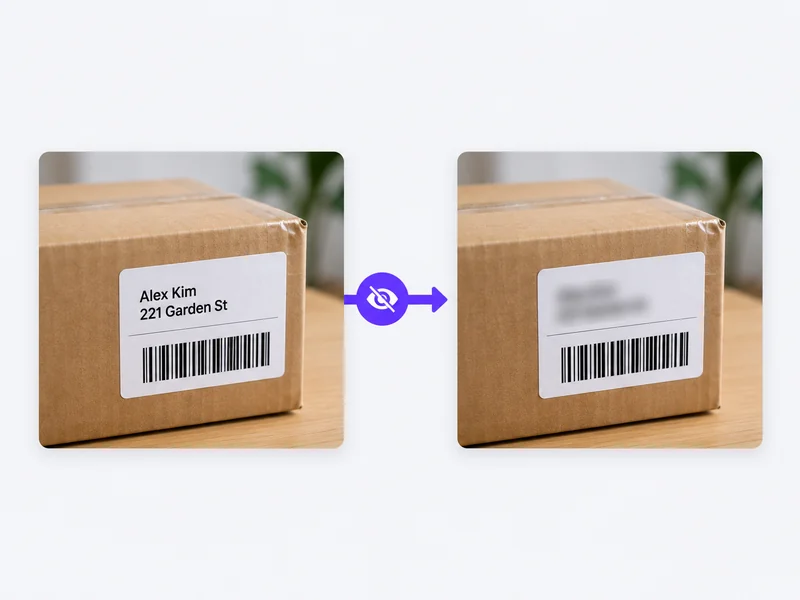

Text Remover from Image: Remove Text, Keep the Background

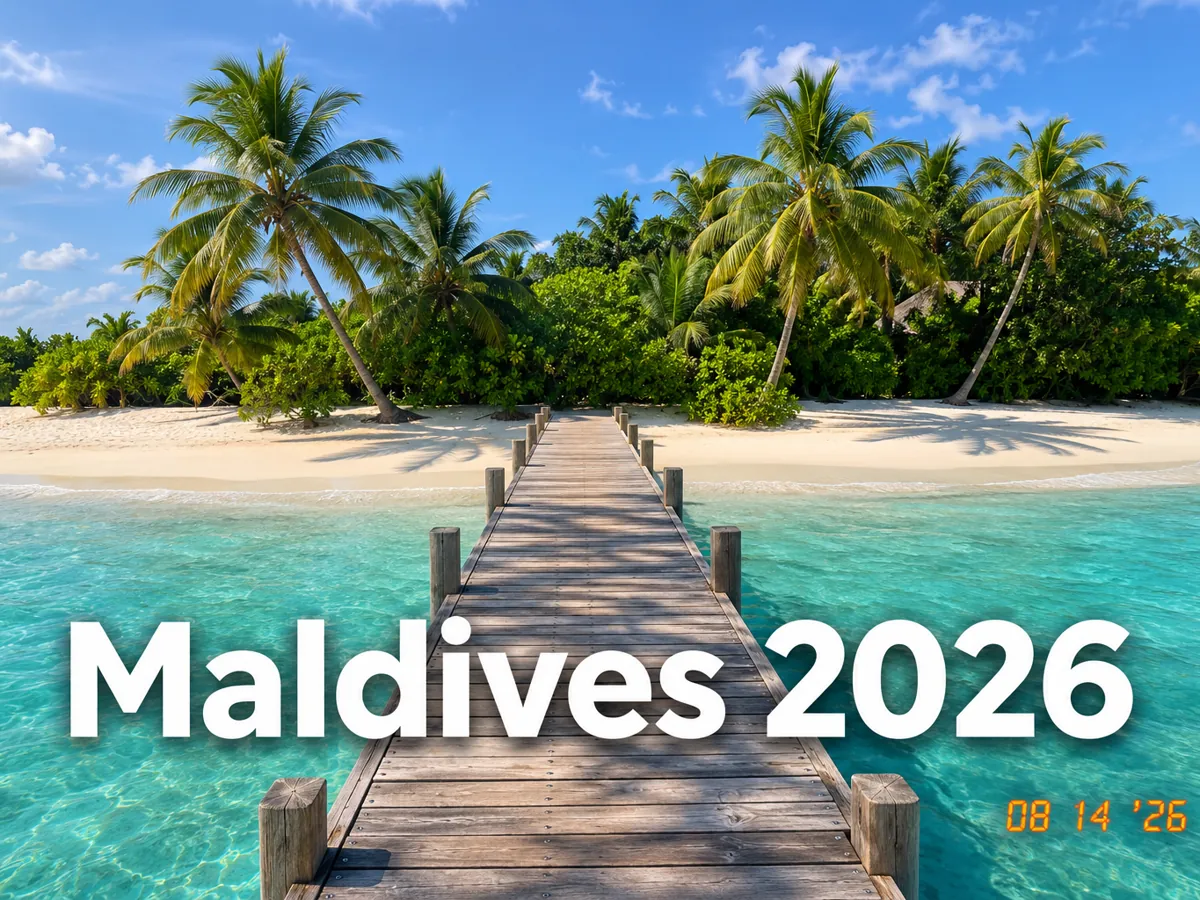
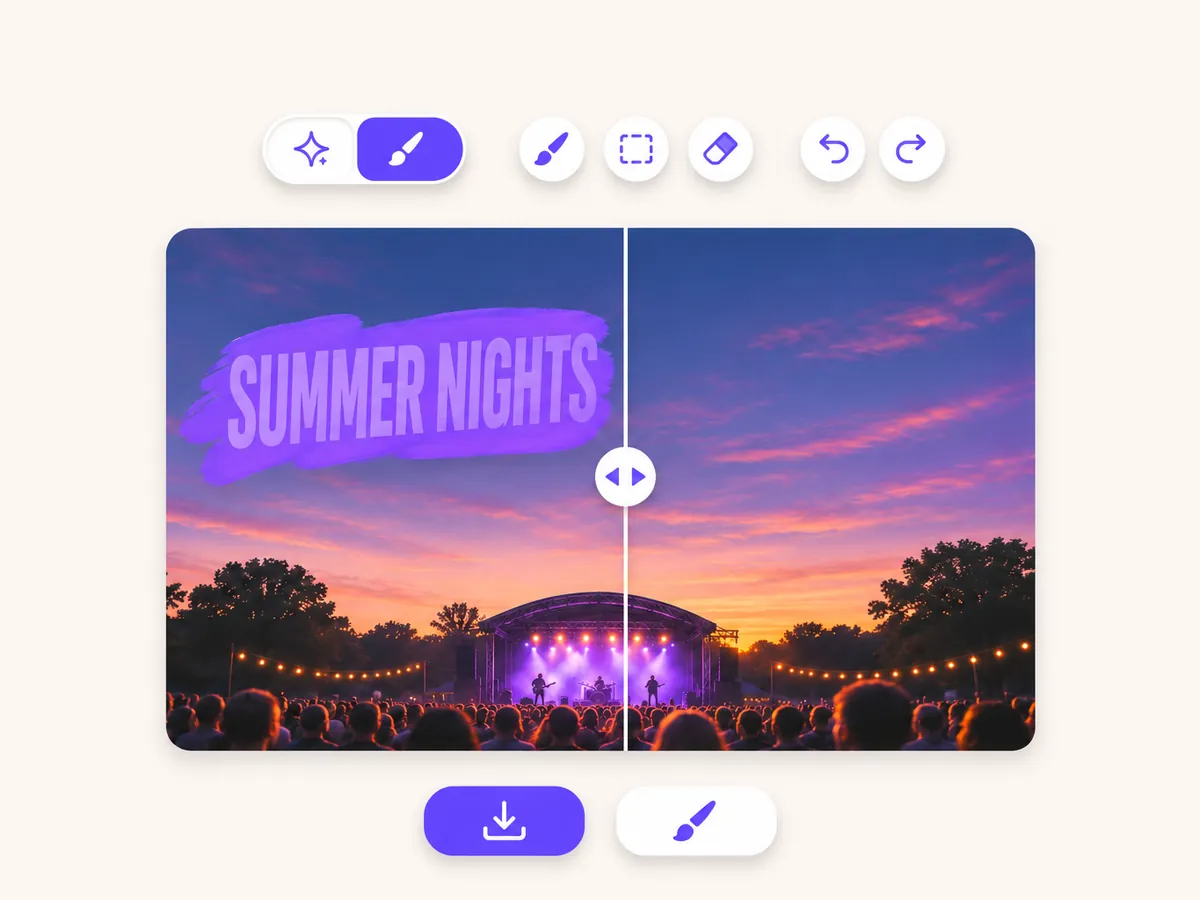
Upload a photo or screenshot, remove every word in one click or brush over just the text you want gone, and AI rebuilds the background so the picture looks untouched.

After
Before
⟷
BeforeAfter
Drag the slider to compare
3 Simple Steps

How to Remove Text from an Image

Let AI remove text from image files in three steps, right in your browser.

Step 11
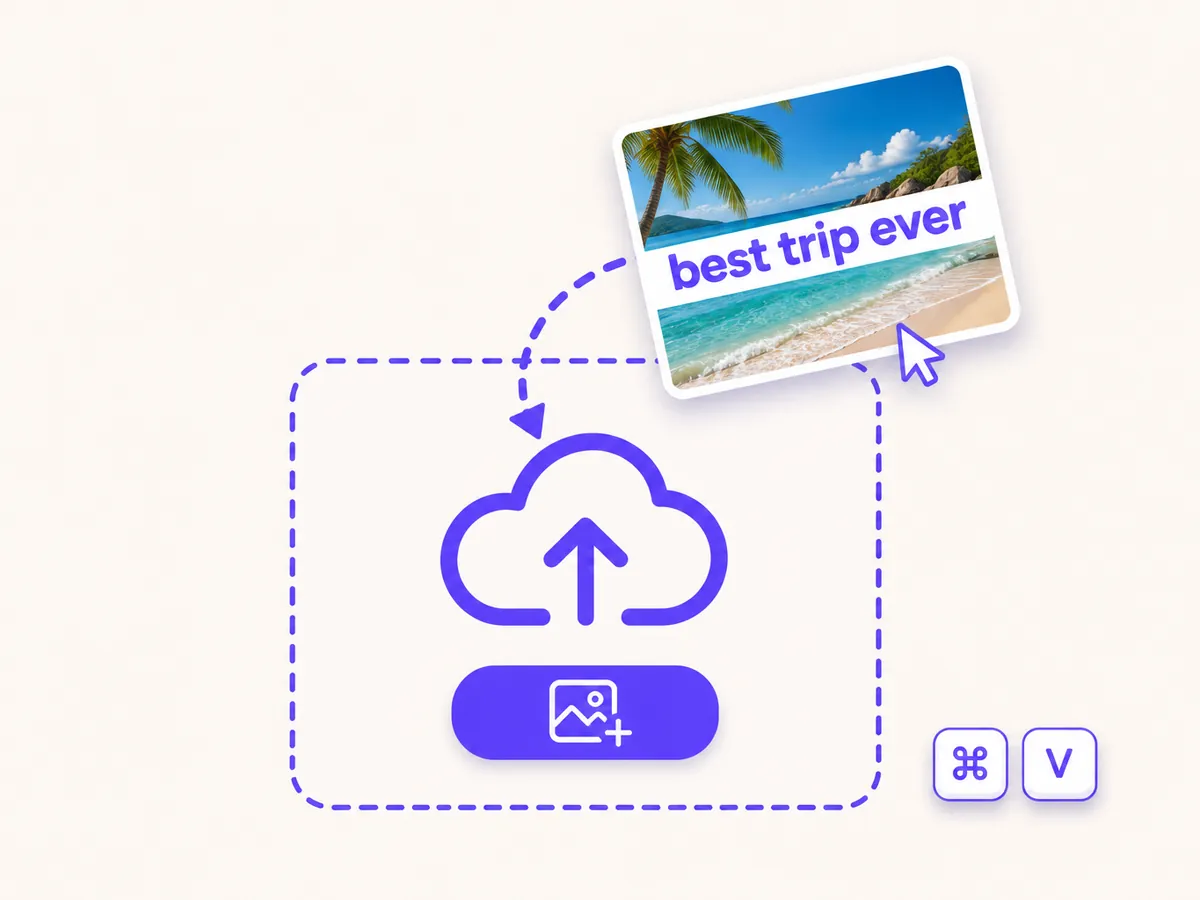
Photo with a caption bar being dragged into an upload panel, with a paste shortcut

Upload or Paste an Image

Drop a JPG, PNG or WebP file up to 30MB, choose one from your device or press ⌘/Ctrl + V to paste a screenshot. Uploading and painting are free, and you only sign in when you remove.

Step 22
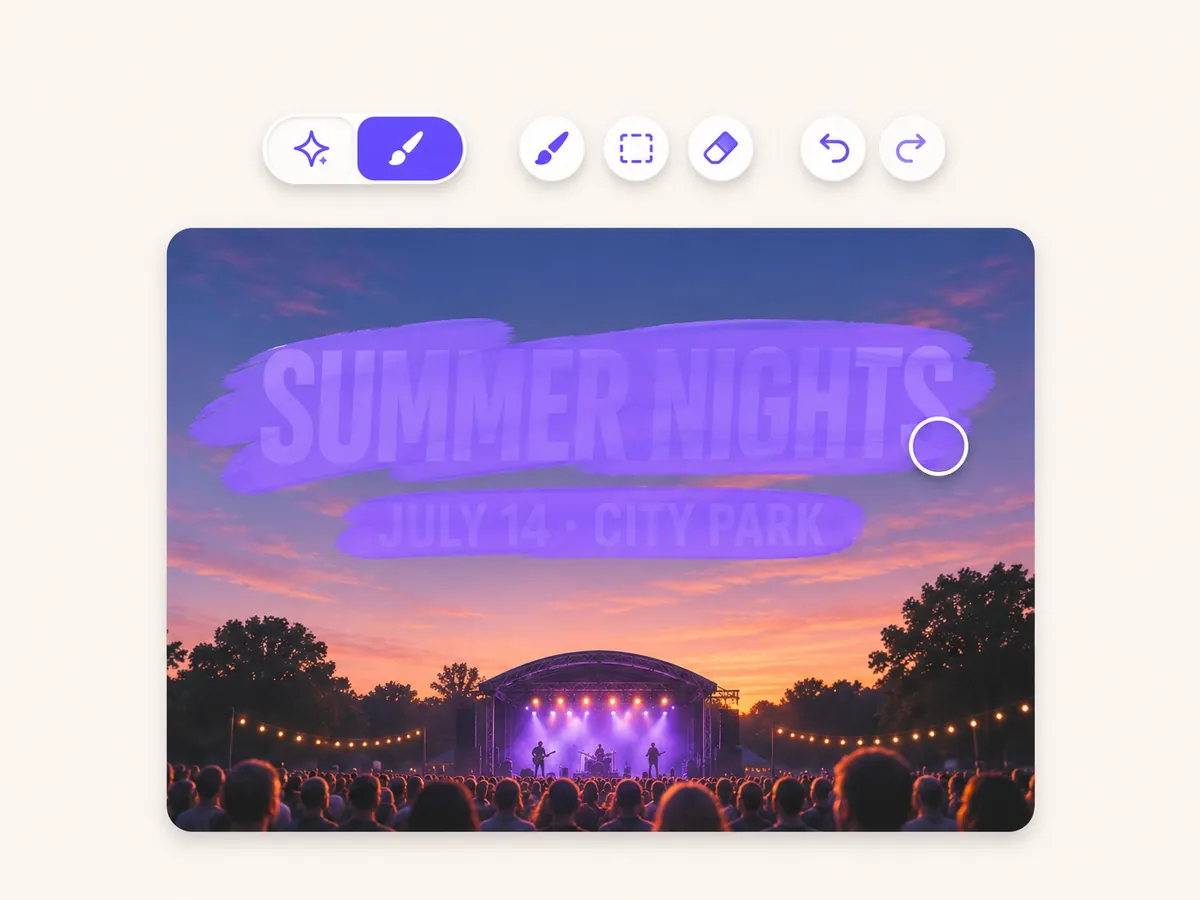
Poster with two lines of text painted over with a purple brush stroke

Remove All Text or Brush Over Some

Keep Remove all text to clear every word, or choose Brush to select and paint over just the text to remove. Use the brush when text sits on a face or when some of it should stay.

Step 33
Before and after slider over a poster with its text cleanly removed

Compare and Download

Click the remove button and sign in to continue; it costs from 3 credits. Drag the before and after slider to check the result, then download it, keep editing or try another model.

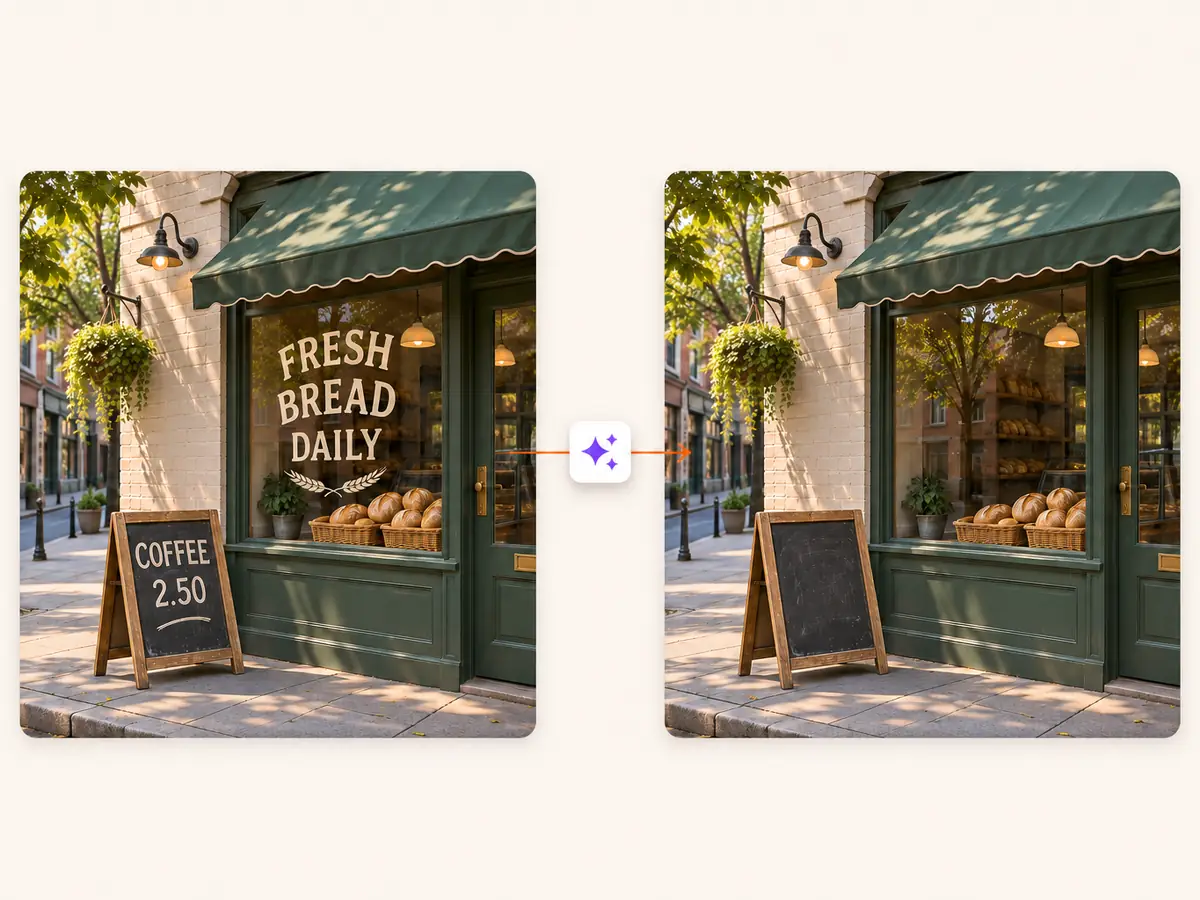
Street photo with a shop sign full of text next to the same photo with the sign blank

What Is an AI Text Remover?

An AI text remover, also called an image text remover, erases words from a photo or screenshot and rebuilds what was behind them from the surrounding texture, light and colour. A clone stamp or healing brush copies nearby pixels and often leaves a smudge; an AI text remover from image redraws the area instead, so you can remove text from image with AI and keep the background natural. Edit Pic Text also works as a text eraser from image: paint over one caption and leave everything else alone.

Remove All Text or Only What You Brush

Clear every word in one click, or paint, box and erase to pick exactly which text goes.

The Rest of the Image Stays Put

With the brush, only painted areas are rebuilt; everything else stays as close to the original as the model allows.

Five AI Models to Try

Start with GPT Image 2, switch to Nano Banana, Wan or Qwen for another try, or get up to four versions at once and keep the best.

Want New Words Instead?

To swap old text for new rather than just remove it, the image text editor replaces it in the same font.

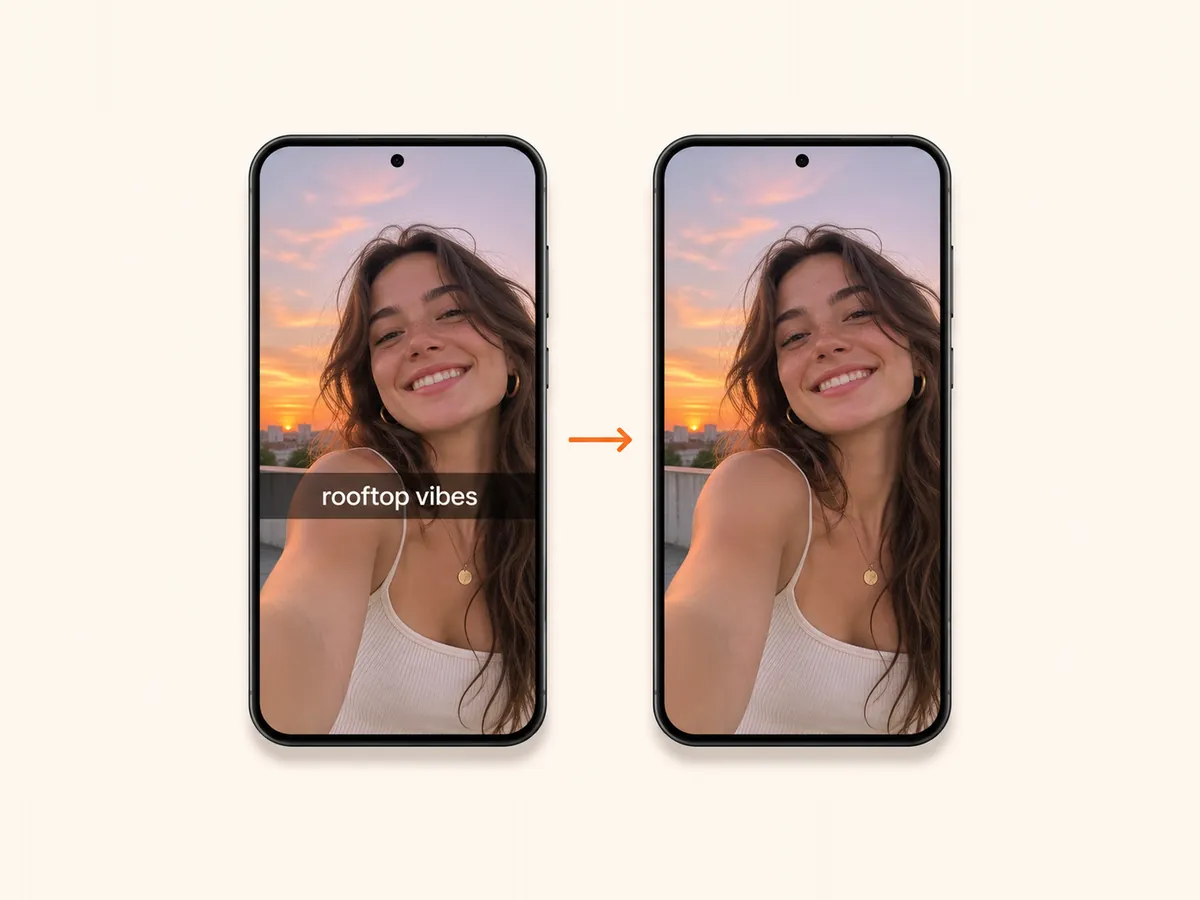
Selfie with a dark Snapchat-style caption bar next to the same selfie without it

Caption Remover: Remove Words from Snapchat and Instagram Pictures

Posted a photo with a caption bar, a text box or story text and never saved the original? This caption remover brushes them off: paint over the words, and the AI rebuilds the face, sky or room behind them. Use it to remove words from photo captions, tags and stickers on Snapchat or Instagram pictures, or as a quick word remover before you use a shot as a profile picture. It also helps you remove text from picture posts saved from other apps. It works on still photos only, not on video captions.

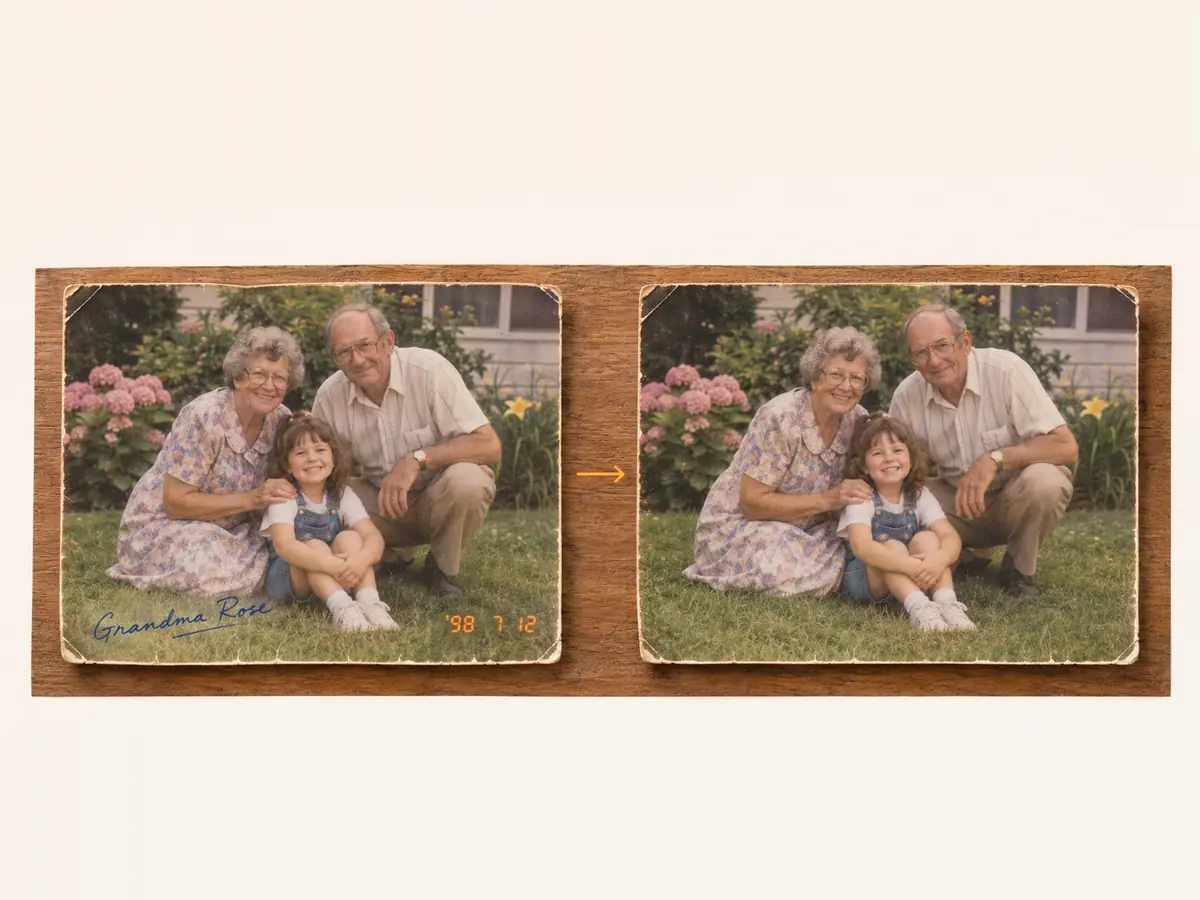
Old family photo with an orange date stamp and a handwritten name, next to the clean photo

Photo Text Remover for Old and Family Photos

Family photos often carry a printed date stamp, a name written across the front or a label from an album scan. A photo text remover clears them so the people come first again: remove writing from photo prints, orange date stamps and handwritten names, or remove text in photo scans before you print or frame them. As a text remover from photo prints, it works best when you paint just the writing and keep the brush off faces, since only painted areas are rebuilt.

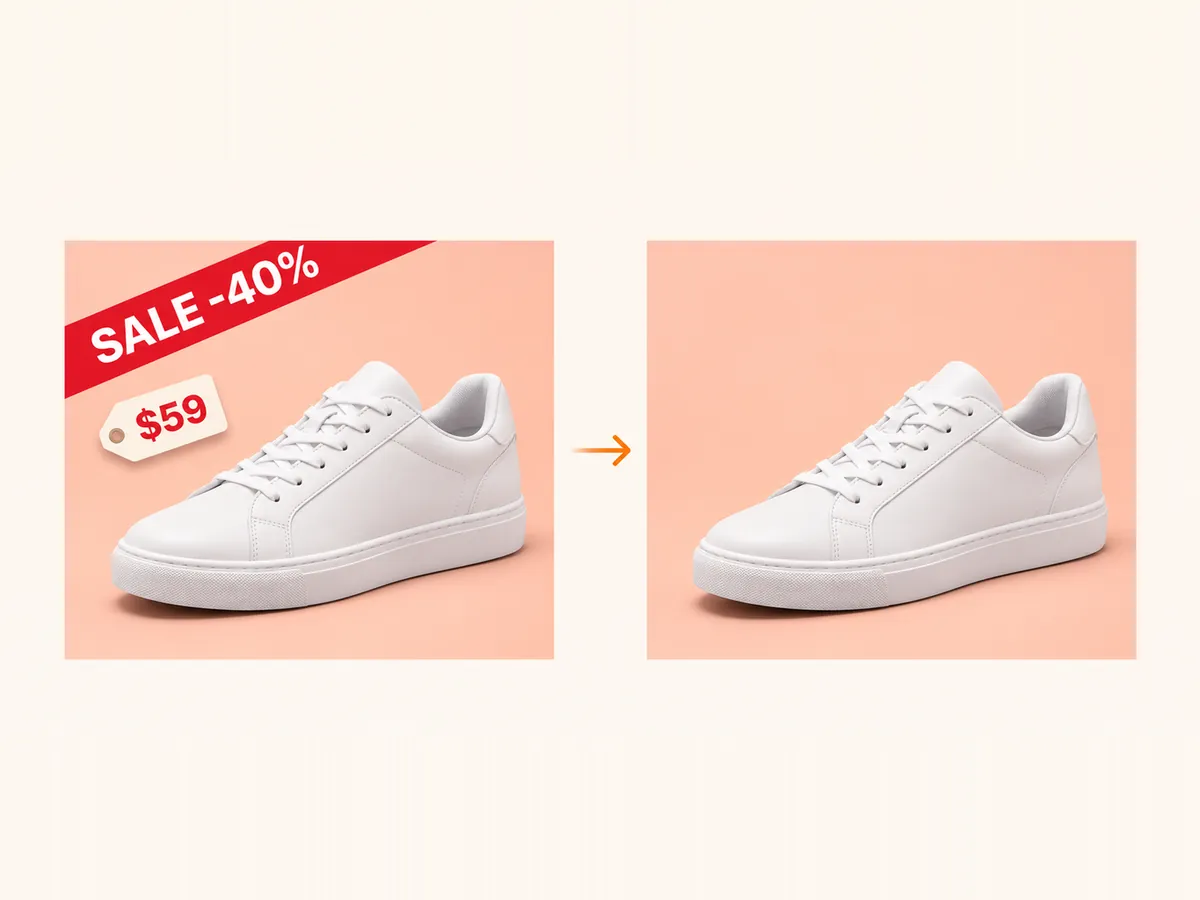
Sneaker product shot with a sale price banner next to the same shot with a clean background

Erase Text from Product Photos, Posters and Ads

Old promo text, price tags and sale banners date a product photo quickly. Erase text from image files you want to reuse: a poster without last year's date, a listing photo without a discount badge, or a mockup with garbled AI-generated lettering cleared before real type goes on. Use it as a text eraser for a single tag, or clear the whole graphic in one click.

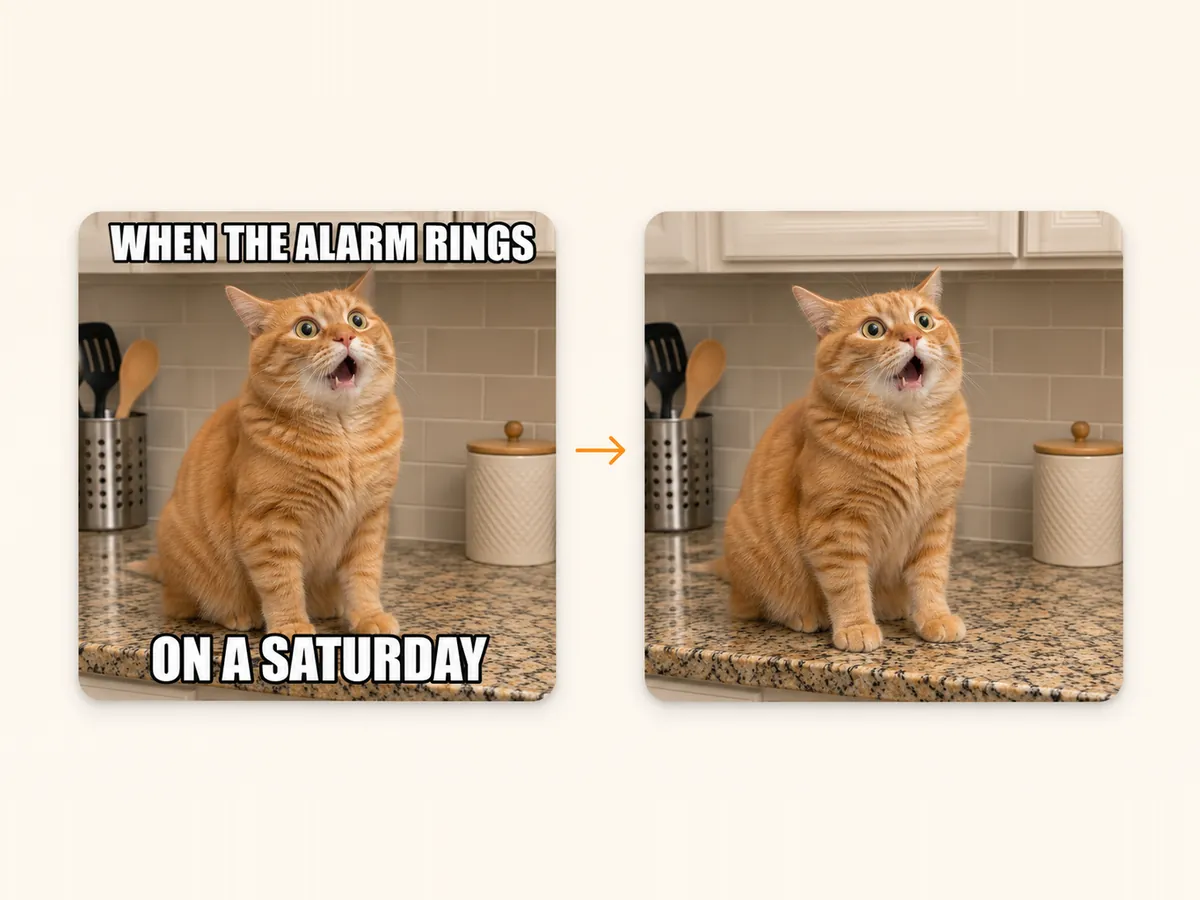
Meme image with bold caption text at the top and bottom next to the same image without text

Delete Text from Screenshots and Memes

Delete text from photo screenshots before you share them: names in a chat, labels on buttons, anything you would rather not post. Paste the screenshot with ⌘/Ctrl + V, brush over the parts to hide, and keep the rest of the screen as it was. It also turns a meme into a blank template: remove letters from image captions at the top and bottom, and the picture is ready to reuse.

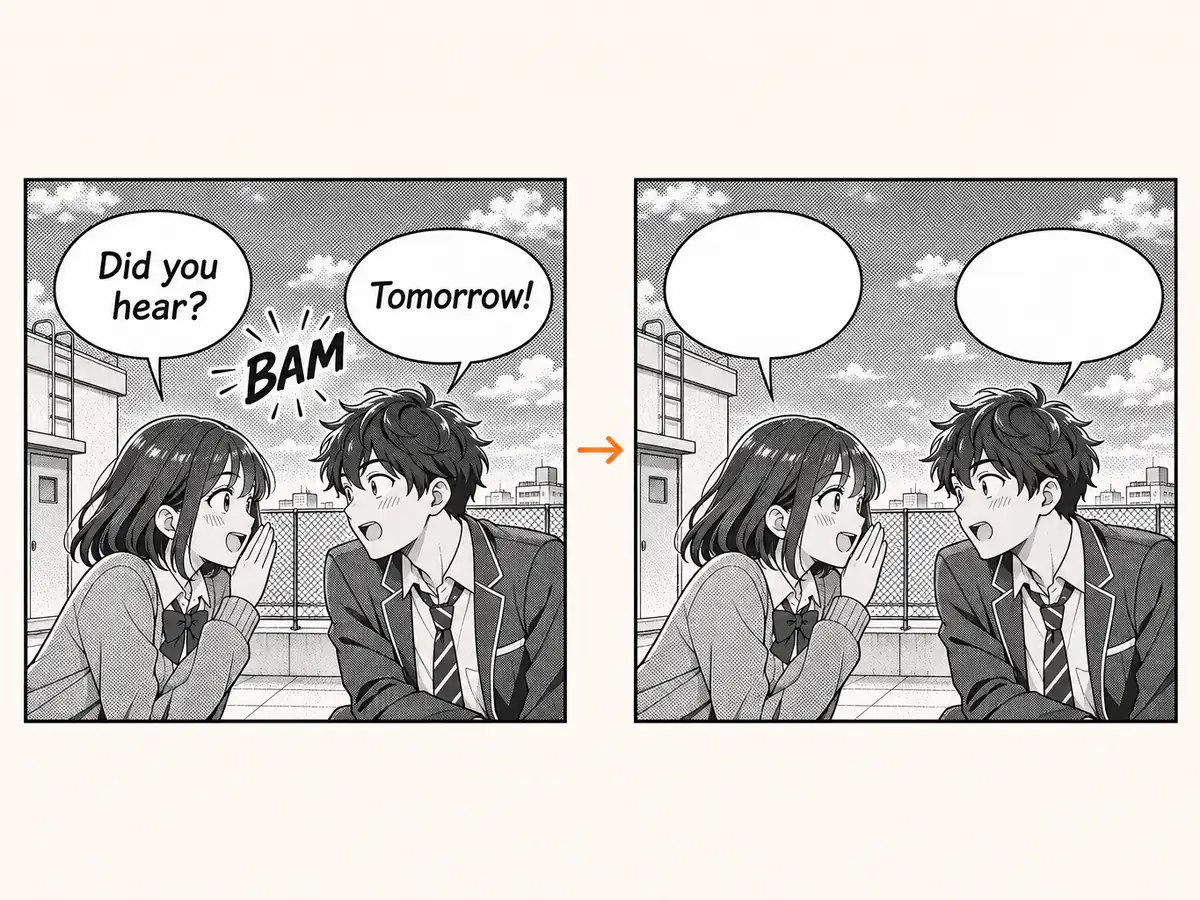
Comic panel with lettered speech bubbles next to the same panel with empty bubbles

Remove Text from Manga and Comic Speech Bubbles

Scanlators and fan translators clean every bubble before typesetting. Brush over the lettering and the AI fills each bubble with its own colour or screentone, which saves time on coloured bubbles where a plain white fill would show. Remove comic text from image pages a panel at a time and typeset your own translation, or translate from image to have the page translated for you.

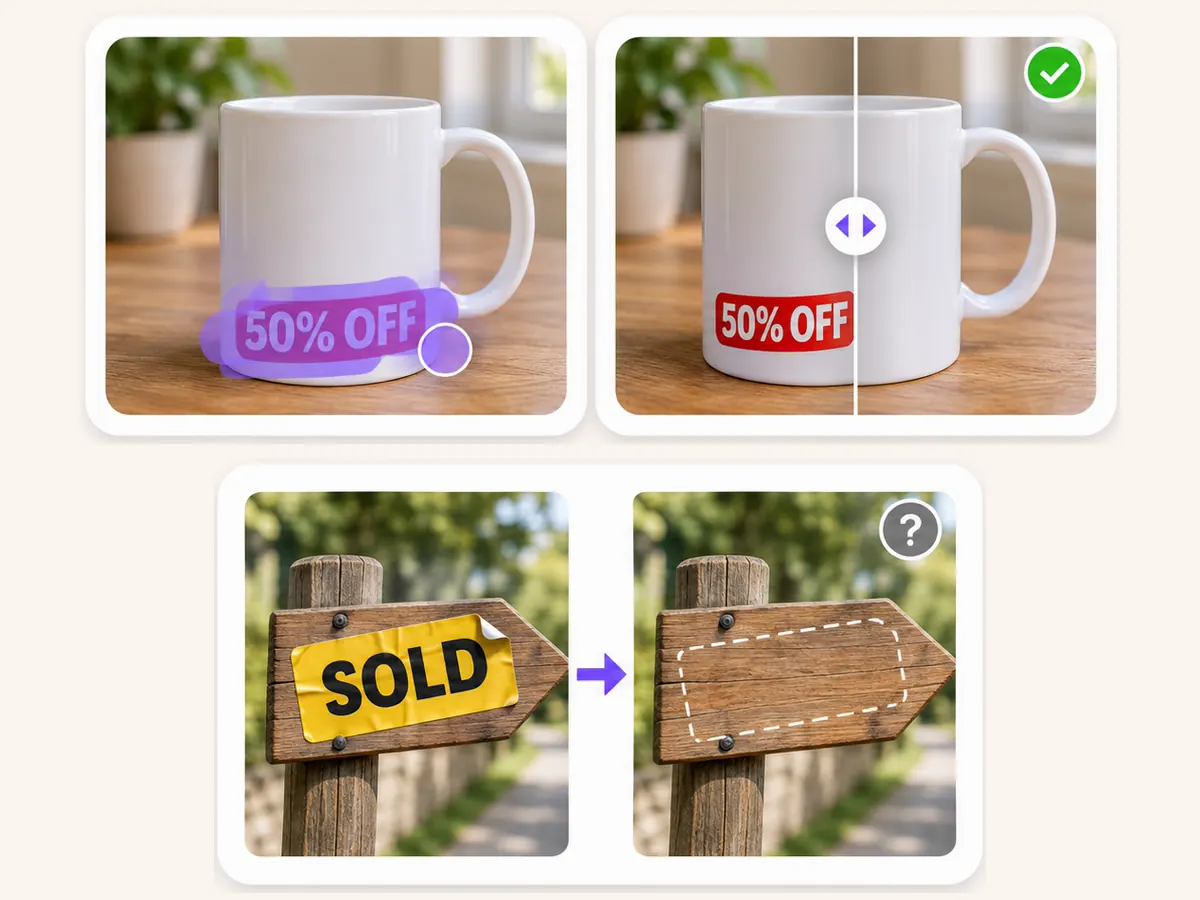
Three cards: brushing only the "50% OFF" caption on a mug photo, checking the result with a before and after slider, and a "SOLD" sticker whose covered wording can't be recovered

Remove Text Without Affecting the Background: Tips and Limits

AI text removal rebuilds the background from what surrounds the words. These habits keep the rest of the picture intact, and the limits are worth knowing before you share a result.

Brush When It Matters

Use Brush to select when text sits on a face or a product, or when some text should stay.

Check With the Slider

Drag the before and after slider over edges, faces and fine detail before you download.

Leftovers? Go Again

Click Keep editing to paint over what is left, or Try another model for a fresh attempt.

Paint a Little Wider

On noisy, gradient or screentone backgrounds, paint slightly past the edges of the letters.

Covered Means Gone

The AI fills in a likely background; it can't reveal what the text actually hid.

Start From the Original

Upload the full-size file, not a thumbnail saved from a chat app.

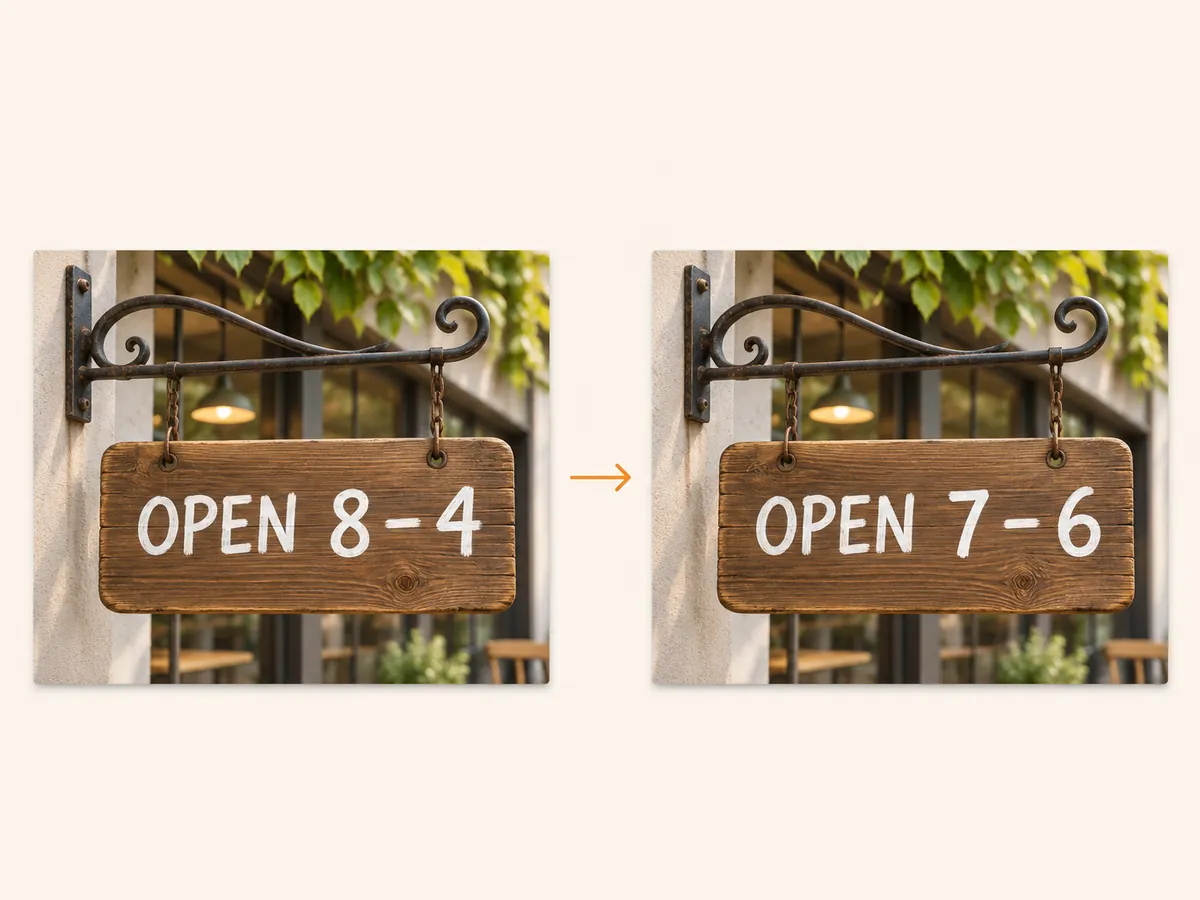
Cafe sign whose old opening hours are replaced with new hours in the same lettering

Remove and Add Text in Image Online

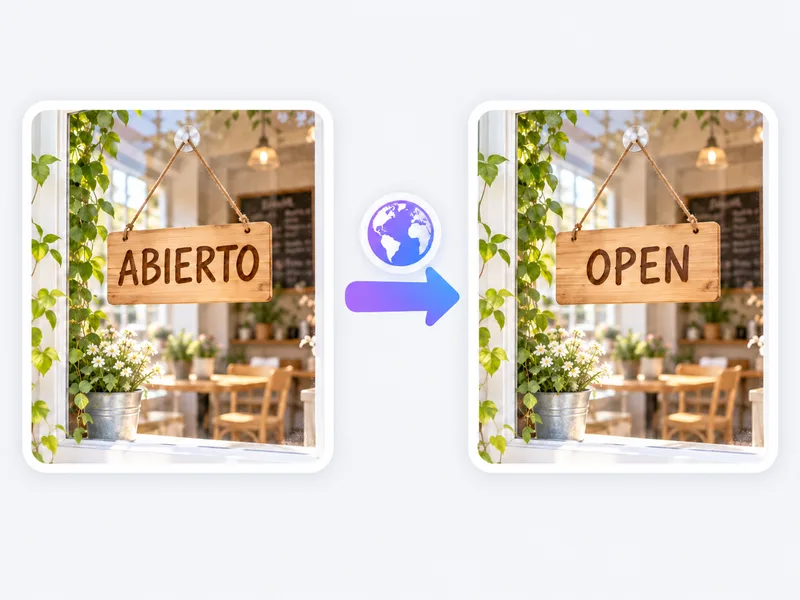
Removing text is often the first step to writing something new. When you want new words in the same spot, skip the blank step: the Edit Pic Text image text editor replaces the old text with yours in one go, matching the original font, size and colour. Need the words in another language? Translate from image swaps them for a translation instead.

Plans and Pricing

Uploading and painting are free. Removing text costs from 3 credits with GPT Image 2 or Wan 2.7 at 1K; Nano Banana, Qwen and 2K or 4K output cost more, and the price shows before you start. Failed removals get their credits back. New accounts get free credits, so you can remove text from picture online free before you buy a one-time pack or pick a monthly plan.

Basic

A starter subscription for steady individual use.

$11.9/ month

100 credits/month
  • Remove text from images: 33 (1K)
  • Edit image or screenshot text: 20 (1K)
  • Translate images: 20 (1K)
  • Enhance blurry text in images: 20 (1K)
  • Extract text from images: 100
  • No watermark
  • Commercial license
  • Access to all models & features
  • 2 parallel tasks
  • Credits refresh monthly, cancel anytime
Standard

A balanced plan for frequent creators.

$29.9/ month

300 credits/month
  • Remove text from images: 100 (1K)
  • Edit image or screenshot text: 60 (1K)
  • Translate images: 60 (1K)
  • Enhance blurry text in images: 60 (1K)
  • Extract text from images: 300
  • No watermark
  • Commercial license
  • Access to all models & features
  • 3 parallel tasks
  • Credits refresh monthly, cancel anytime
MOST POPULAR

Pro

Scale monthly credits as your workflow grows.

$79.9/ month

  • Remove text from images: 350 (1K)
  • Edit image or screenshot text: 210 (1K)
  • Translate images: 210 (1K)
  • Enhance blurry text in images: 210 (1K)
  • Extract text from images: 1,050
  • No watermark
  • Commercial license
  • Access to all models & features
  • 5 parallel tasks
  • Private visibility
  • Copy protection
  • Credits refresh monthly, cancel anytime
  • Secure payments
  • Credits added instantly
  • Cancel anytime
  • No hidden fees
Mastercard
Visa
PayPal
Apple Pay
Google Pay
American Express
JCB
UnionPay
Alipay
WeChat Pay

Prices shown in USD · Questions? support@editpictext.com

Text Remover from Image FAQ

Quick answers about removing text from pictures with Edit Pic Text.


Remove Text from Image Online

Upload a photo or screenshot, clear every word or just the ones you brush, and download a clean image in one step.