Enhance Text in Image and Make Blurry Text Readable

Upload a blurry photo, screenshot or scan, box the words you need, and AI rebuilds them into sharp, readable letters. Copy the text when you're done.

Upload an image with blurry text

Photos, screenshots or scans. Drop it here or paste with Ctrl+V.

Upload image

JPG, PNG or WebP · up to 30MB

No image? Try one of these:

Example

first image
second image
3 Simple Steps

How to Enhance Text in an Image

Make blurry words readable in three steps, right in your browser.

Step 11
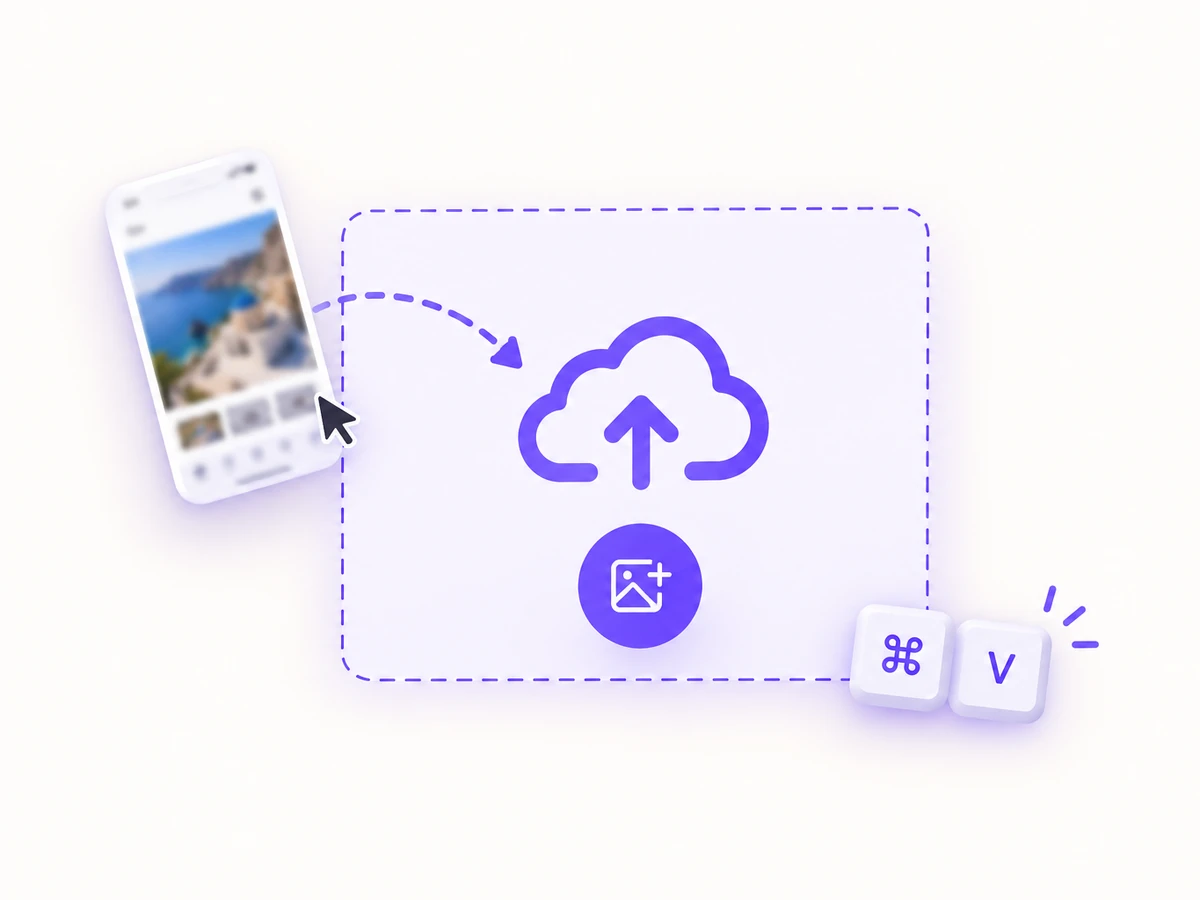
Upload panel with a blurry phone screenshot being dragged in and a paste shortcut

Upload or Paste an Image

Drop a JPG, PNG or WebP file up to 30MB, pick one from your device or press ⌘/Ctrl + V to paste a screenshot. Uploading is free and needs no account.

Step 22
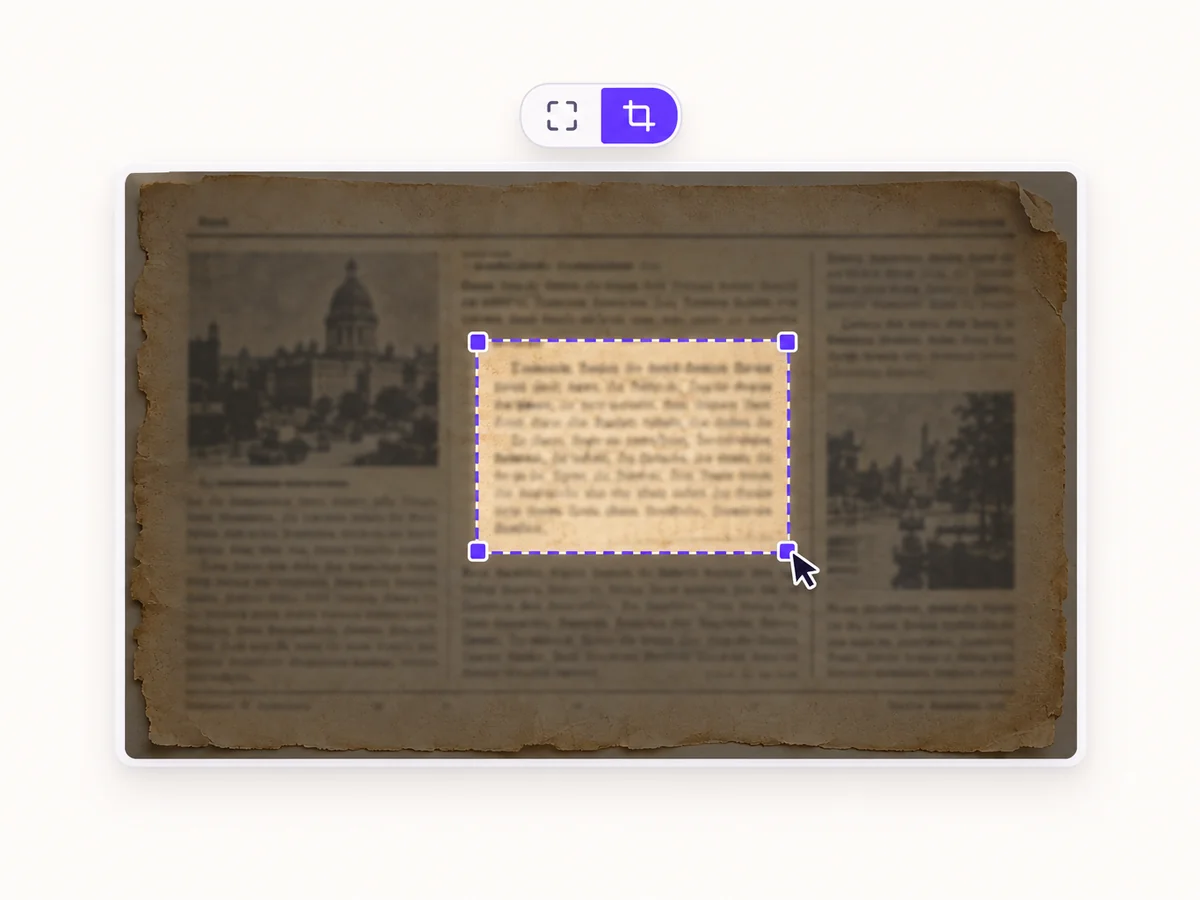
Old newspaper clipping with a dashed box drawn around one blurry paragraph

Box the Text or Keep the Whole Image

Leave Whole image selected, or choose Box an area and drag over just the words you need. Everything outside the box stays as it is.

Step 33
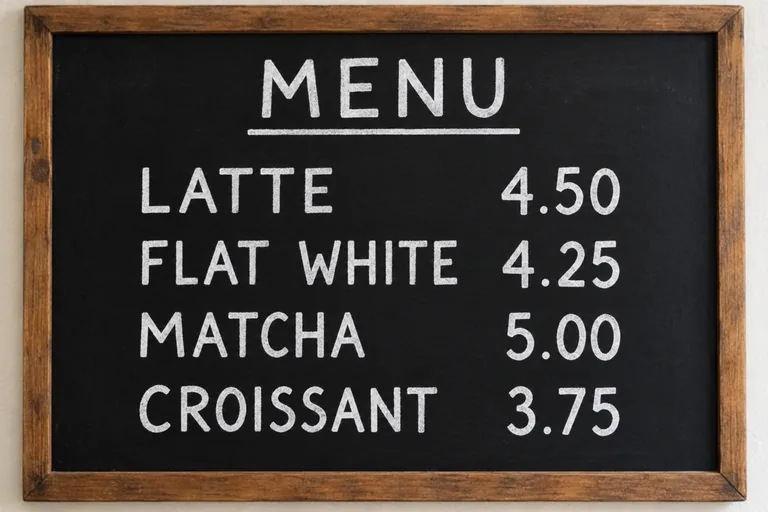
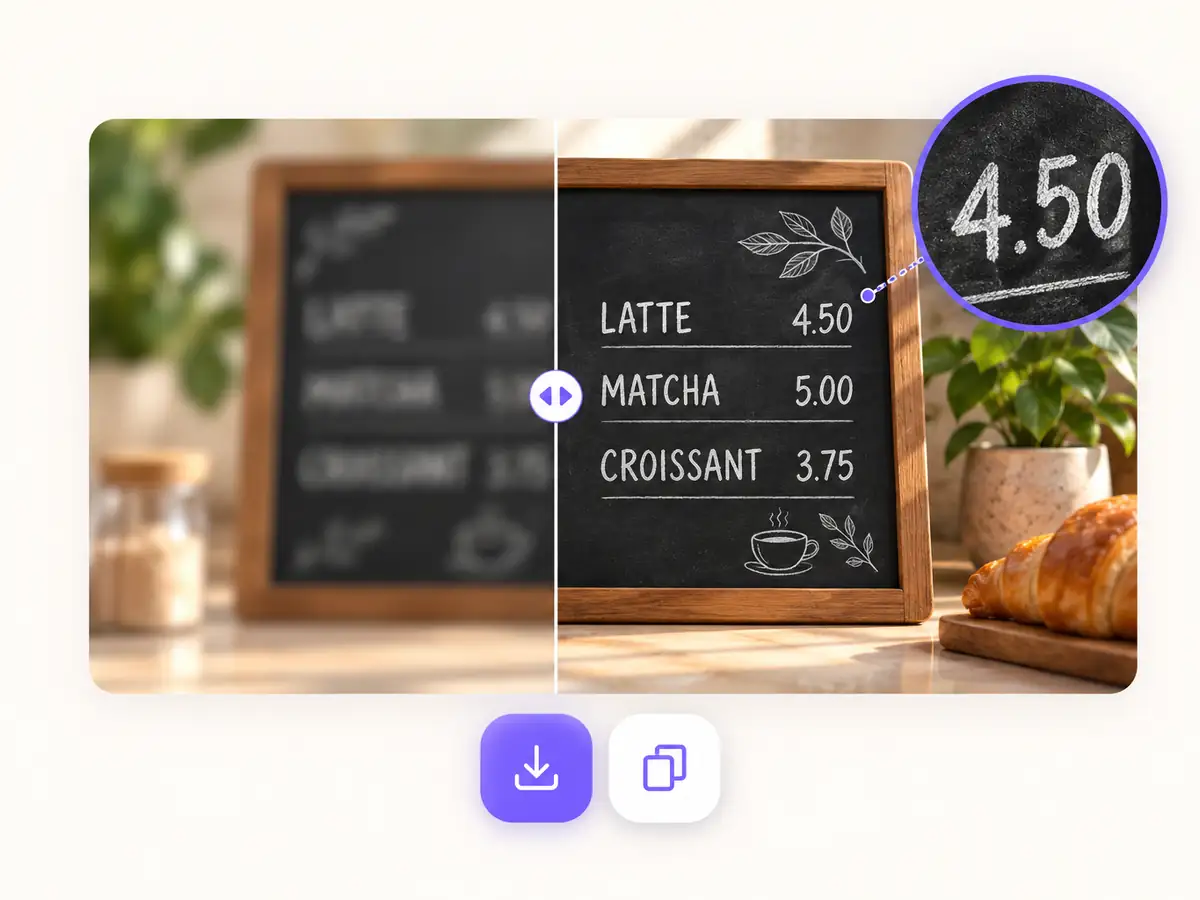
Chalkboard price list before and after enhancement, with download and copy buttons

Enhance, Compare and Download

Click Enhance text and sign in to continue; it costs from 5 credits. Zoom into the before and after slider to check every word, then download the image or copy its text.

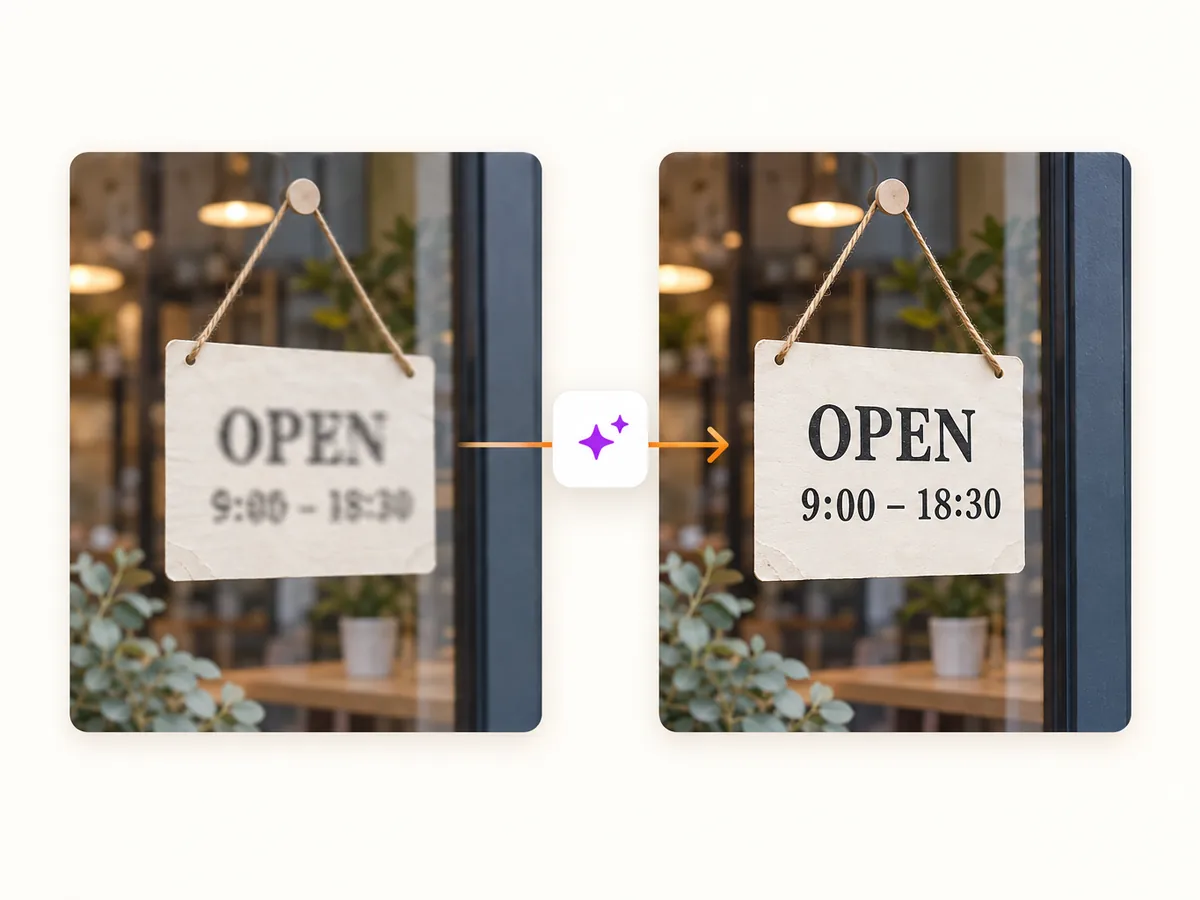
Blurry shop opening-hours sign next to the same sign with sharp, readable text

What Is an AI Image Text Enhancer?

An AI image text enhancer rebuilds blurry, pixelated or compressed letters in a photo or screenshot into clean, readable strokes, while the rest of the picture stays the same. You may also see it called a text image enhancer or a text enhancer from image. It works on pictures, not on writing, so unlike a text enhancer for essays it never rewords anything. Edit Pic Text sends your image to an AI image model with one fixed rule: keep every character exactly as it is.

Box Only the Words You Need

Drag a box over the text to fix. The AI works inside it, leaves the rest untouched and returns the whole image.

Copy the Text Afterwards

Once the image is clear, copy every line as text in reading order, at no extra cost.

Five AI Models to Try

Start with GPT Image 2, or switch to Nano Banana, Qwen and others when a picture needs another try.

No Rewording or Translating

The model is told to keep each word, number and accent as it is, and never to add or translate text.

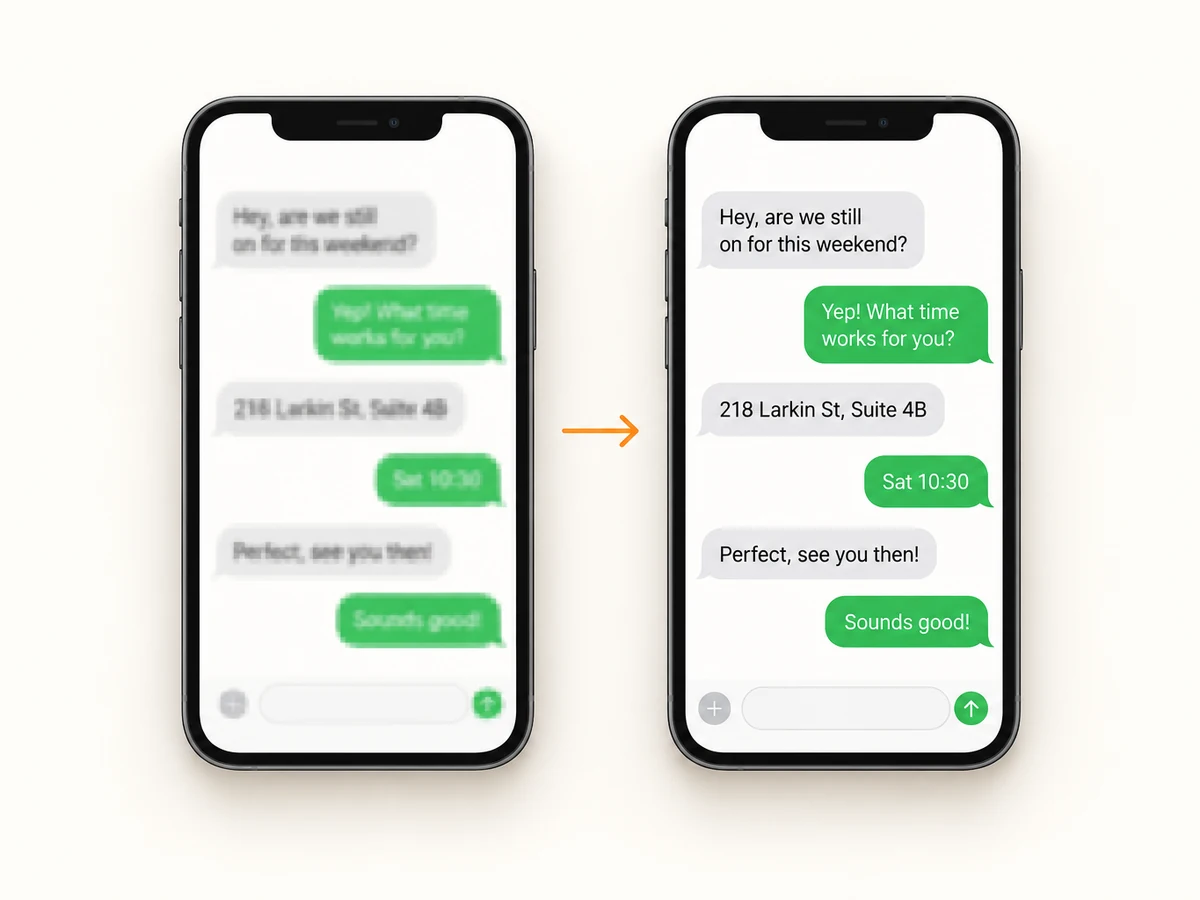
Blurry chat screenshot on one phone and the same chat with sharp text on another

Unblur Text in Screenshots and Chat Photos

Screenshots that have been forwarded a few times, or photos of a message on another screen, often blur the very words you need: an address, a time, an order code. Unblur text by pasting the screenshot with ⌘/Ctrl + V and boxing the line. This AI text unblur tool rebuilds each letter from what is left, so zooming in on a small capture no longer turns it into a smear.

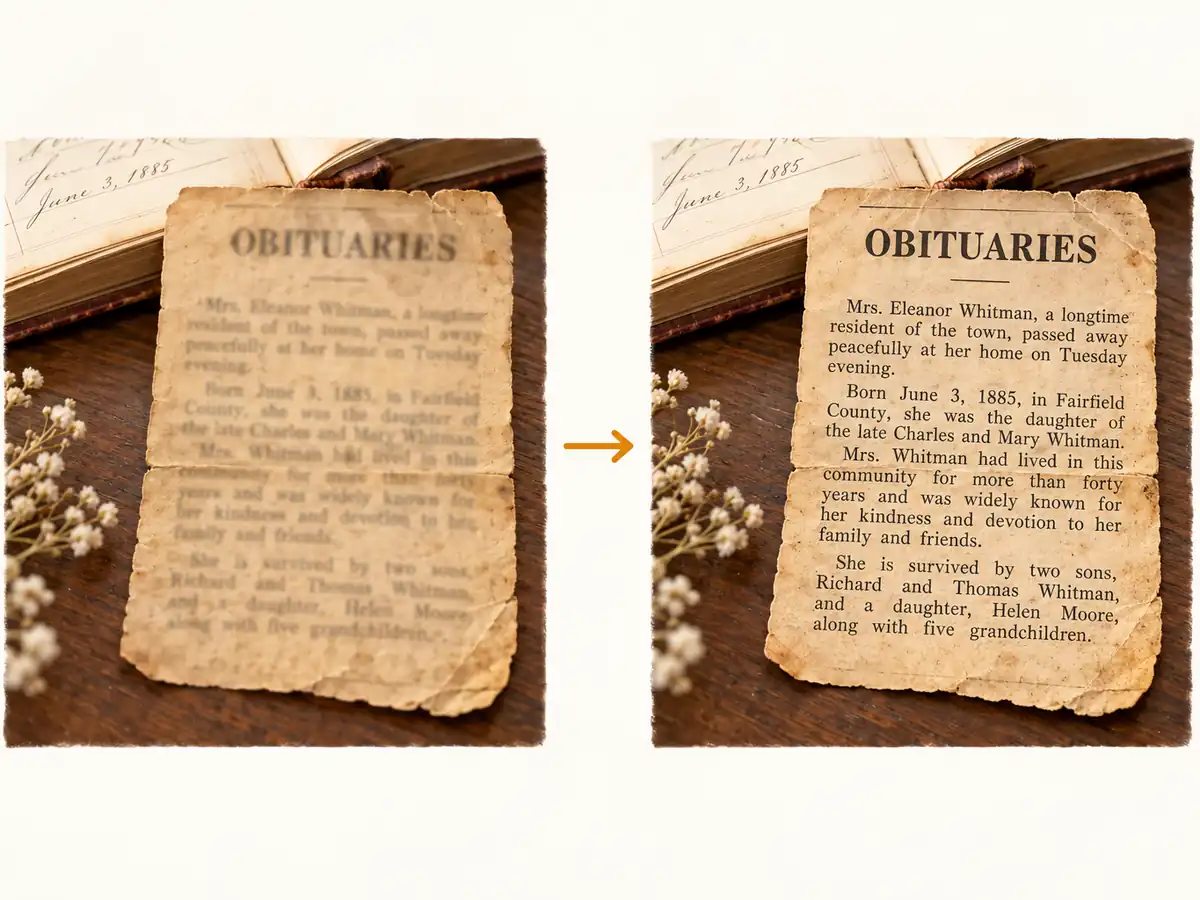
Faded obituary newspaper clipping next to the same clipping with sharp, readable print

Enhance Text Quality in Scanned Documents and Old Records

Faded scans, phone photos of paper and old newspaper clippings lose detail in small print. Use it to enhance text quality in images of letters, forms and book pages, or as a document enhancer for family history: baptism records and obituaries become easier to read, so names and dates can be checked. Working from a PDF? Take a screenshot of the page or export it as an image, then upload that.

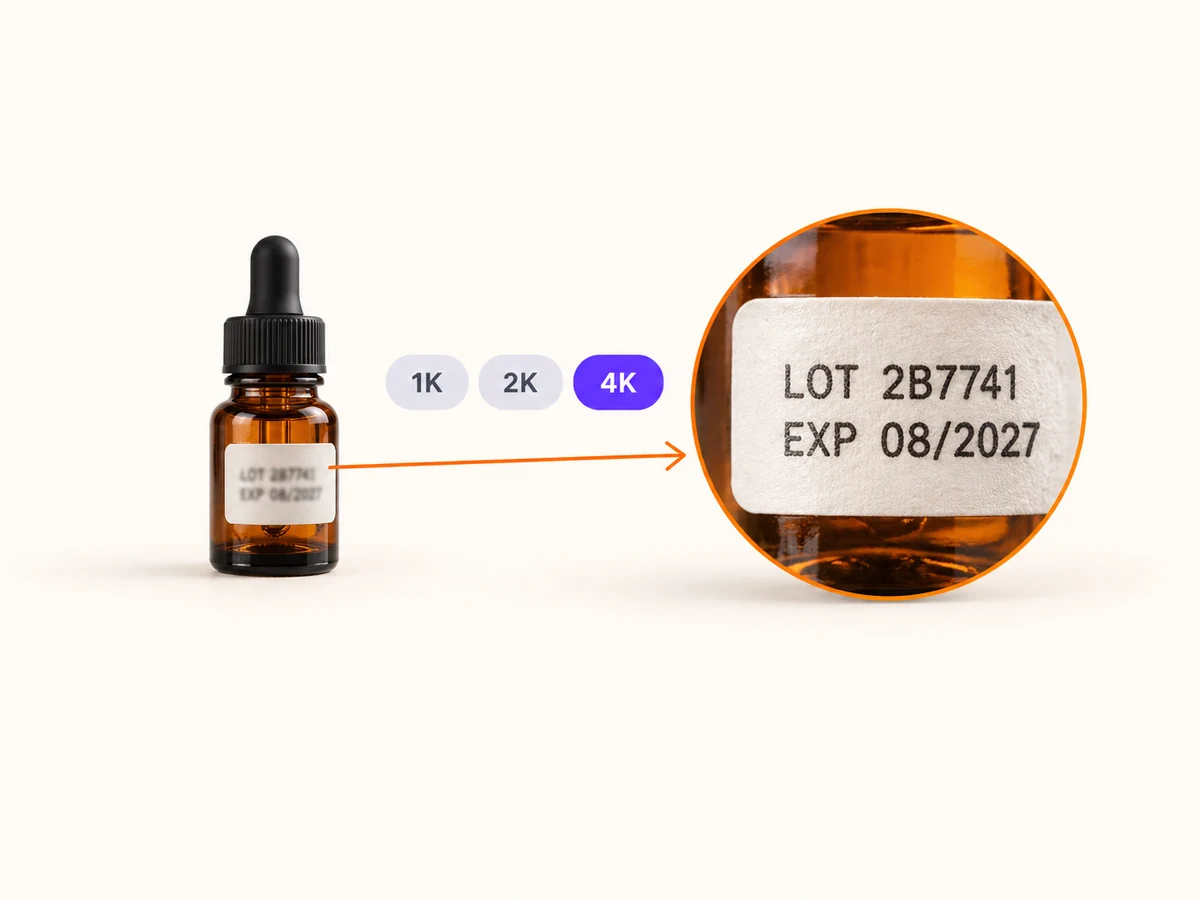
Serum bottle with tiny blurry label print, enlarged into a sharp close-up at 4K

Upscale Image Text for Printing and Small Print

When text is simply too small, enlarging the picture only makes the blur bigger. Upscale image text with an AI text upscaler that redraws each letter cleanly instead, then pick 2K or 4K output before you print a label, a sign or a page. Every model except Qwen Image 3 works as a 4K resolution image text enhancer; to upscale a text image just for reading on screen, 1K is usually enough.

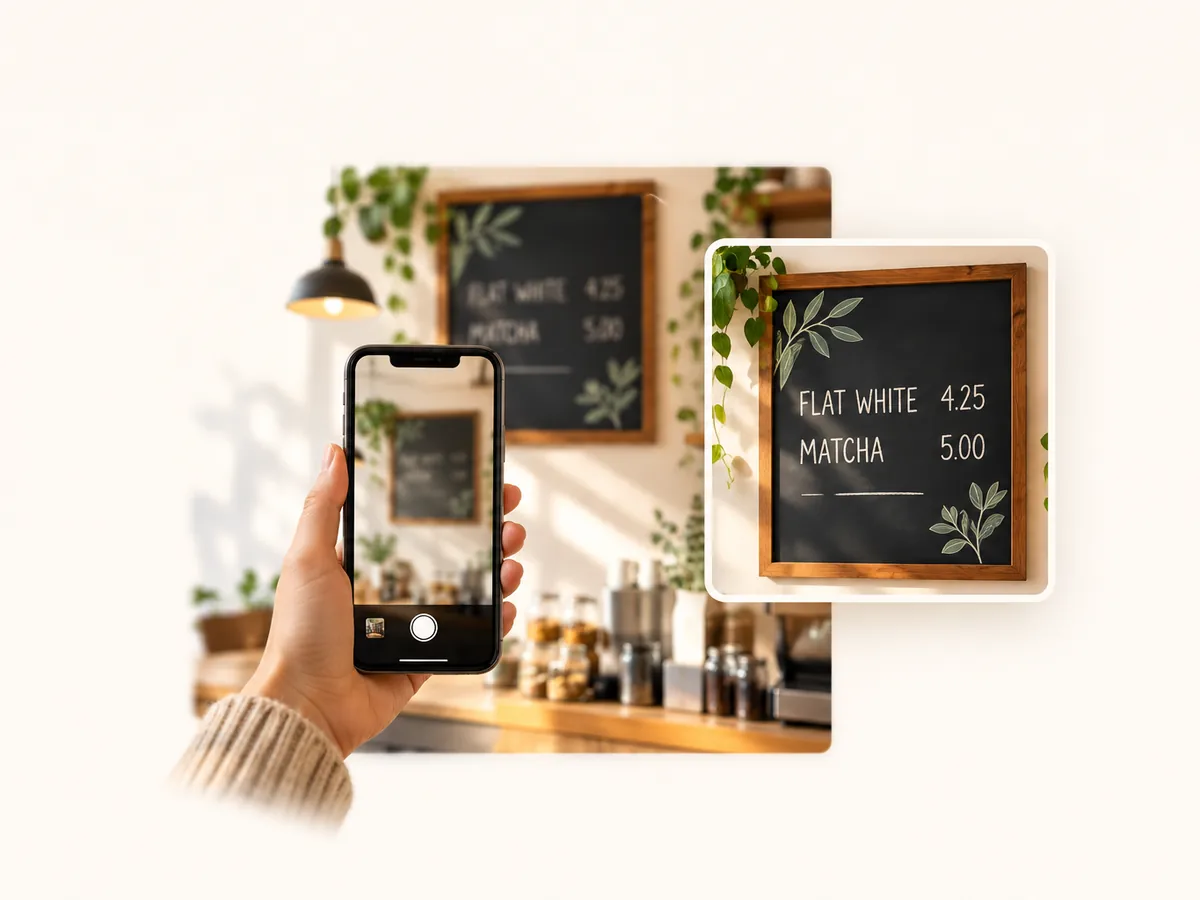
Phone photo of a distant cafe chalkboard menu next to the same menu with sharp text

Sharpen Blurry Text in Photos of Signs, Menus and Labels

A photo text enhancer helps when the camera was too far away or slightly out of focus: a street sign, a menu board, the fine print on a product label. Box the part you need and sharpen text in image areas that an ordinary sharpen filter only makes noisier. It works as a blurry text enhancer for travel photos, shop shelves and notice boards snapped in a hurry.

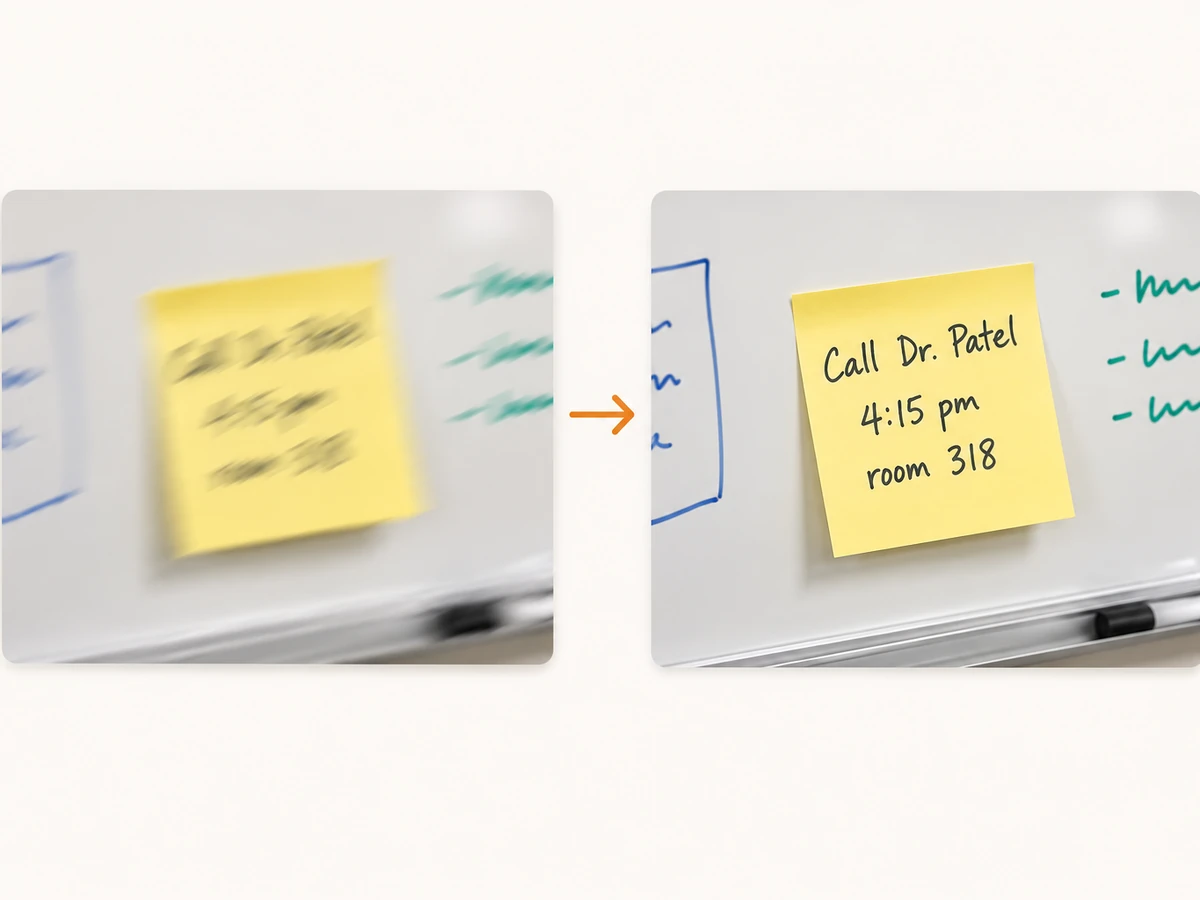
Blurry photo of a handwritten sticky note next to the same note in sharp handwriting

Deblur Text in Handwriting, Notes and Whiteboards

Handwritten letters, class notes and whiteboard photos blur easily, and no two hands write alike. Deblur text in these pictures and the AI follows the shape of each stroke instead of guessing new words. A text deblur works best when part of the writing is still visible, and handwriting is the easiest to misread, so check names, numbers and dates against the original.

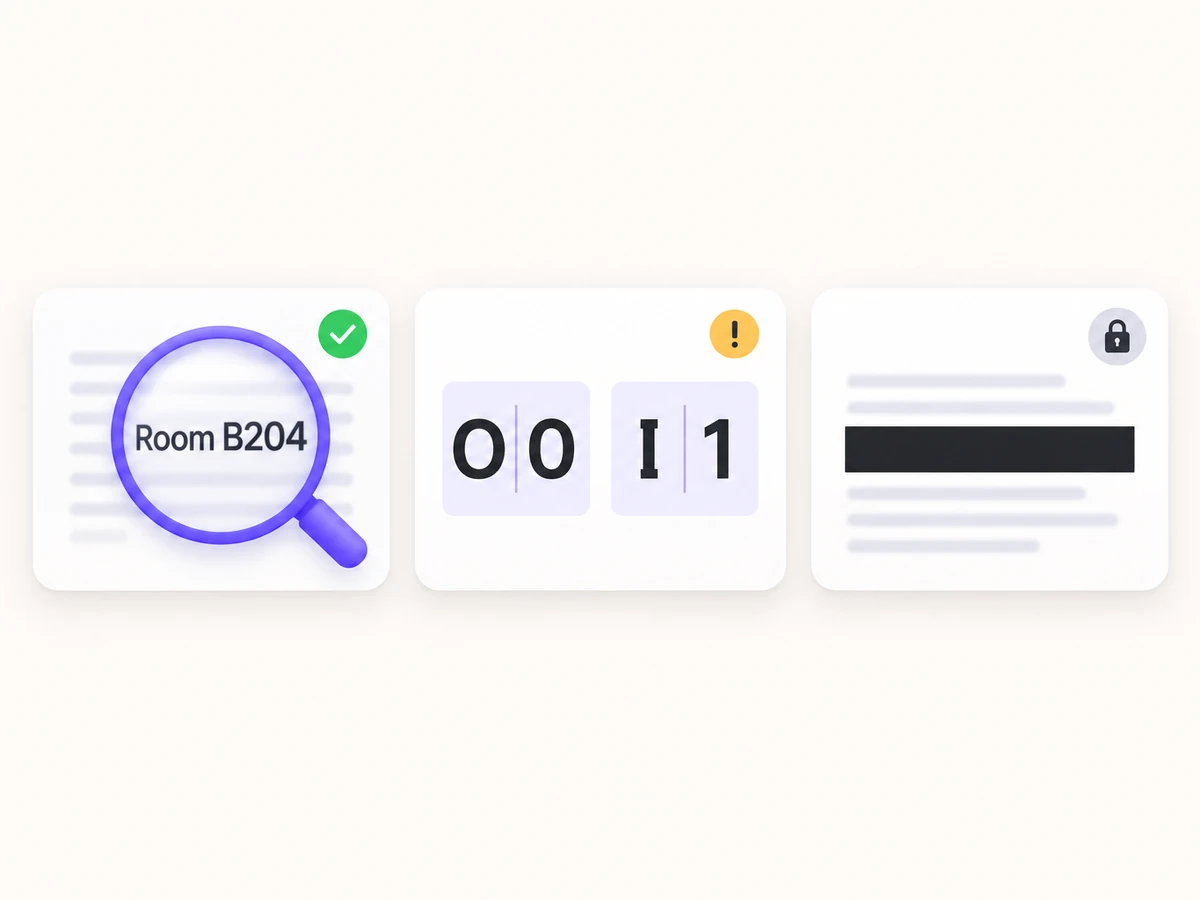
Three cards: clear text enhanced, look-alike characters to check, and covered text that stays hidden

Get Clearer Results: What AI Text Enhancement Can and Can't Do

AI text enhancement rebuilds letters from what is still in the picture. These habits give it the most to work with, and the limits are worth knowing before you rely on a result.

Box Just the Text

Small words in a large photo come out sharper when you box only that part.

Use the Best Copy

Upload the original file, not a thumbnail saved from a chat app.

Check Names and Numbers

Letters that can't be read may be redrawn. Compare names, dates and amounts with the original.

Watch Look-alike Characters

O and 0, I and 1, rn and m are the easiest to mix up in heavy blur.

Hidden Text Stays Hidden

Text that was blurred or covered on purpose can't be recovered.

Not a Replacement for Originals

An enhanced copy helps you read; it doesn't replace an original or official record.

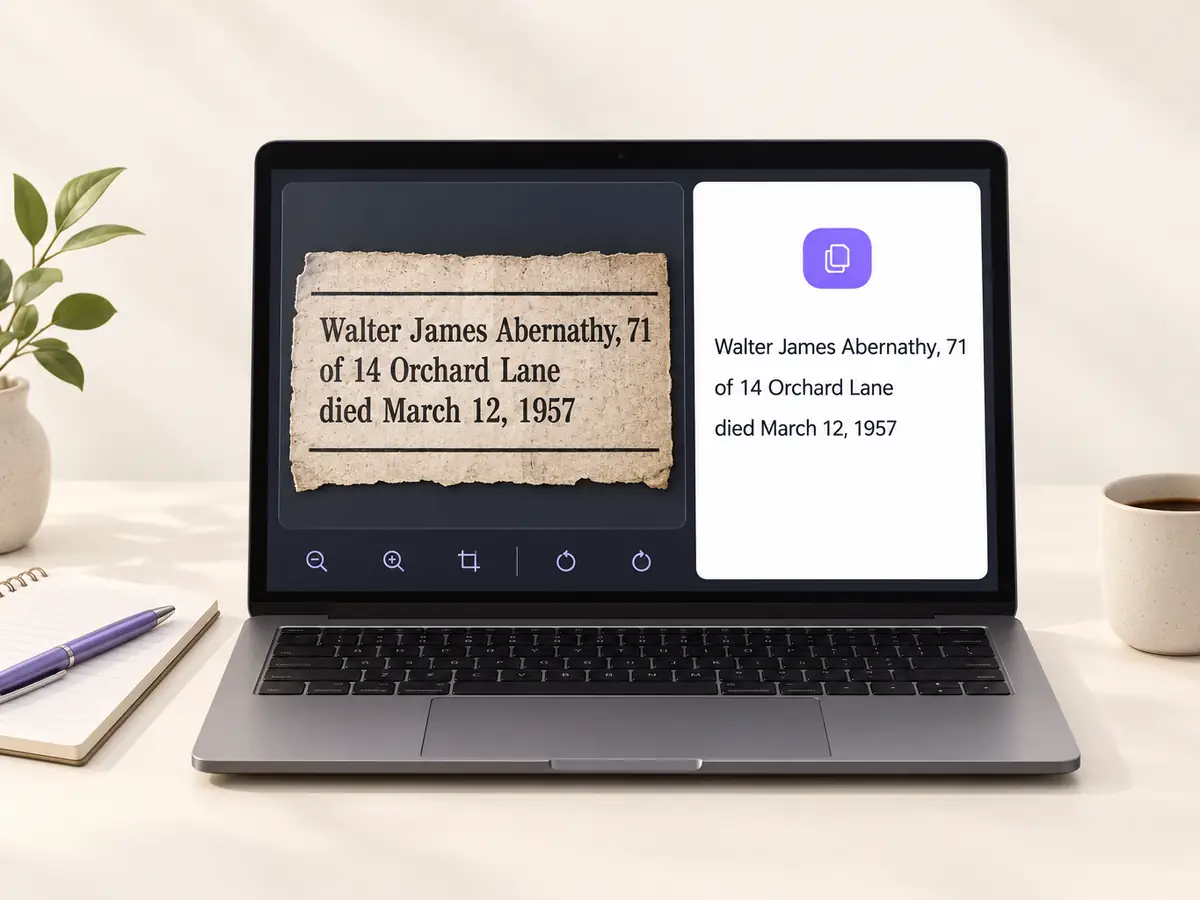
Laptop showing an enhanced newspaper clipping beside the same lines as copyable plain text

Need the Words, Not Just a Clearer Image? Copy the Text

After the image is enhanced, click Copy text and every line is listed in reading order, ready to paste into notes, a search box or a family tree, with no extra credits. To pull words from an image that is already sharp, our text extractor from image does just that; to read them in another language, translate from image instead.

Plans and Pricing

Uploading is free. Enhancing an image costs from 5 credits with GPT Image 2 at 1K; other models and 2K or 4K output cost more, and the price shows on the button before you start. Copy text is included, and failed images get their credits back. Start with free credits, then buy a one-time pack or pick a monthly plan.

Basic

A starter subscription for steady individual use.

$11.9/ month

100 credits/month
  • Enhance blurry text in images: 20 (1K)
  • Edit image or screenshot text: 20 (1K)
  • Translate images: 20 (1K)
  • Remove text from images: 33 (1K)
  • Extract text from images: 100
  • No watermark
  • Commercial license
  • Access to all models & features
  • 2 parallel tasks
  • Credits refresh monthly, cancel anytime
Standard

A balanced plan for frequent creators.

$29.9/ month

300 credits/month
  • Enhance blurry text in images: 60 (1K)
  • Edit image or screenshot text: 60 (1K)
  • Translate images: 60 (1K)
  • Remove text from images: 100 (1K)
  • Extract text from images: 300
  • No watermark
  • Commercial license
  • Access to all models & features
  • 3 parallel tasks
  • Credits refresh monthly, cancel anytime
MOST POPULAR

Pro

Scale monthly credits as your workflow grows.

$79.9/ month

  • Enhance blurry text in images: 210 (1K)
  • Edit image or screenshot text: 210 (1K)
  • Translate images: 210 (1K)
  • Remove text from images: 350 (1K)
  • Extract text from images: 1,050
  • No watermark
  • Commercial license
  • Access to all models & features
  • 5 parallel tasks
  • Private visibility
  • Copy protection
  • Credits refresh monthly, cancel anytime

  • Secure payments
  • Credits added instantly
  • Cancel anytime
  • No hidden fees
Mastercard
Visa
PayPal
Apple Pay
Google Pay
American Express
JCB
UnionPay
Alipay
WeChat Pay

Prices shown in USD · Questions? support@editpictext.com

Enhance Text in Image FAQ

Quick answers about making blurry text readable with Edit Pic Text.


Enhance Text in Image Online

Upload a blurry photo, screenshot or scan and get readable text back in one step, then copy the words you need.